Building a high-quality web application involves more than writing code. To deliver a smooth user experience, you need the right QA tools for web apps. These tools help teams catch bugs early, check performance, test APIs, and ensure apps work across multiple browsers.
In this guide, we cover automation, performance, cross-browser, API, and supporting QA tools, with detailed insights on how they work and why teams rely on them.
Why QA Tools for Web Apps Are Essential
QA tools play a vital role in ensuring web applications work smoothly across devices, browsers, and networks. They help teams save time, reduce errors, and maintain long-term quality. Here’s how:
Identify Problems Early
QA tools catch issues before they reach users. Automated tools like Playwright or Selenium highlight errors quickly, saving time and cost compared to fixing problems after release.
Reduce Manual Work
Automation handles repetitive testing tasks, freeing testers to focus on user experience, accessibility, and critical functionality.
Ensure Consistent Performance
Performance tools like JMeter and LoadRunner test how the app behaves under different conditions, ensuring fast loading times and stable performance for all users.
Test APIs Effectively
Tools like Postman and SoapUI verify that APIs work correctly, maintain data accuracy, and prevent backend changes from breaking the app.
Track and Manage Test Cases
Jira and TestRail help organise test cases, track results, and maintain clear documentation, reducing the risk of missed bugs.
Support for Beginners and Small Teams
Intuitive interfaces and templates make QA tools accessible even for those with little technical experience, allowing everyone to contribute to product quality.
Improve Collaboration
QA tools enable real-time sharing of results, fostering better teamwork between developers, testers, and project managers.
Maintain Long-Term Quality
Regular testing with QA tools prevents regressions, ensures ongoing stability, and builds confidence that new features won’t introduce unexpected issues.
Automation QA Tools for Web Apps
Automation testing is essential for reducing repetitive manual work, saving time, and improving reliability. It allows teams to run multiple tests quickly and ensures that repeated checks are accurate and consistent. Automation is particularly useful for regression testing, where the same scenarios need to be verified after every update.
Here are the leading automation tools for web applications:
1. Playwright
Playwright is a modern automation framework for testing web applications across Chromium (Chrome/Edge), Firefox, and WebKit (Safari). It allows teams to write one set of tests that work on multiple browsers. You can find more about it here:
Fast Execution of Tests
-
- Auto-waits for elements to be ready
- Runs tests in parallel for quicker results
- Reduces false negatives
Supports Modern Web Applications
-
- Handles dynamic content like AJAX and single-page apps
- Works in real browser contexts for accurate testing
- Ideal for modern, interactive web interfaces
Easy Integration with CI/CD Pipelines
-
- Can be added to automated build/test workflows
- Supports continuous testing without extra setup
- Works well with tools like Jenkins, GitHub Actions, and GitLab CI
Beginner-Friendly Scripting and Documentation
-
- Detailed guides for JavaScript/TypeScript, Python, .NET
- Clear examples make it easy for new testers
- Minimal setup to start writing tests quickly
Cross-Browser Testing with One API
-
- Single test suite runs across multiple browsers
- Ensures consistent coverage and results
- Reduces duplication of test scripts
2. Momentic
Momentic is an agentic quality platform built for modern engineering teams. It helps teams test faster, reduce flaky test maintenance, and catch bugs before they reach production. momentic.ai is designed to fit directly into existing developer workflows, including local environments, codebases, CI/CD pipelines, and coding agents.
Always-On Quality Checks
-
- Runs tests across commits, deploys, and environments
- Helps teams catch issues before they reach users
- Supports continuous verification without constant manual maintenance
- Gives engineers reliable signal as products change
Adapts as the Product Evolves
-
- Understands changing interfaces, flows, and product behavior
- Reduces the need to rewrite brittle tests manually
- Works well for fast-moving teams shipping frequent updates
- Helps maintain confidence as applications grow and change
Built for Modern Engineering Workflows
-
- Integrates with CI/CD pipelines and developer tooling
- Works alongside coding agents and existing engineering systems
- Fits into how teams already build and ship software
- Avoids adding another disconnected QA layer to maintain
Reduces Flakiness and Maintenance
-
- Focuses on high-signal test results
- Helps reduce false failures and noisy test suites
- Minimizes time spent fixing broken or outdated tests
- Allows engineers to focus more on shipping reliable software
Designed for Speed and Reliability
-
- Supports teams that need to move fast without sacrificing quality
- Helps prevent production bugs and incidents
- Improves confidence across product releases
- Acts as a verification layer for modern software teams
3. Functionize
Functionize is an AI-native, agentic testing platform that helps engineering teams create, execute, and maintain end-to-end tests with less manual effort. Its approach to AI-based software test automation uses intelligent agents to understand application workflows, generate tests from natural language, adapt to interface changes, and continuously improve test coverage.
Agentic AI for Autonomous Test Creation
-
- Creates end-to-end tests from plain-English instructions
- Uses AI agents to understand user journeys and application behavior
- Reduces the need for manually written and maintained test scripts
Self-Healing Test Automation
-
- Automatically adapts tests when UI elements or application structures change
- Reduces flaky tests and ongoing maintenance work
- Keeps test suites stable across frequent product updates
AI-Powered Test Analysis
-
- Analyzes test results and application changes
- Helps teams identify failures and high-risk areas faster
- Provides clearer insights for prioritizing fixes and improving coverage
Continuous Testing for DevOps Teams
-
- Integrates with CI/CD pipelines and development workflows
- Supports continuous test execution throughout the release process
- Helps teams detect issues earlier without slowing down delivery
Natural Language Test Creation
-
- Allows users to create and update tests using plain English
- Makes automation more accessible to technical and non-technical team members
- Improves collaboration between QA, engineering, and product teams
Performance QA Tools for Web Apps
Performance testing helps ensure your web app remains responsive, fast, and stable under varying user loads. These tools simulate real-world traffic and help identify bottlenecks before users experience issues.
1. JMeter
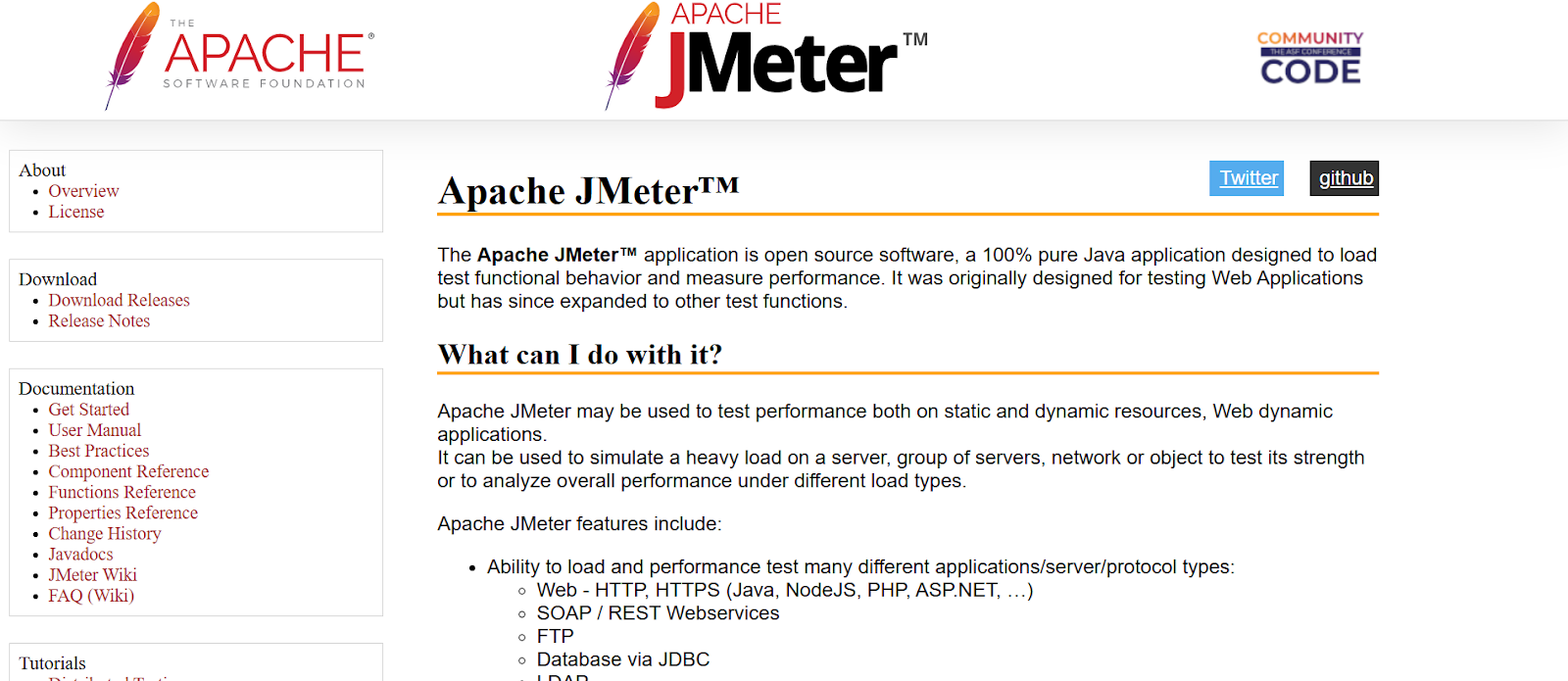
Apache JMeter is a widely used open-source performance testing tool for web applications, APIs, and databases. It helps teams identify performance issues before users are affected.
Tests Web Apps, APIs, and Databases
-
- Simulates multiple users accessing the app simultaneously
- Tests HTTP/HTTPS web apps, REST/SOAP APIs, and JDBC-based databases
- Helps detect bottlenecks and weak points before release
Simple Graphical Interface
-
- User-friendly GUI allows beginners to create test plans easily
- No advanced coding required for basic tests
- Quick setup for new testers to get started
Generates Detailed Performance Reports
-
- Provides charts, graphs, and logs to analyse app performance
- Highlights slow pages, server delays, and resource-heavy operations
- Supports trend analysis for long-term performance monitoring
Free and Open-Source
-
- Fully free to use under Apache licence
- Large community with plugins, scripts, and tutorials
- Cost-effective for small and medium-sized teams
Why JMeter Is Valuable
Using JMeter, teams can simulate real-world traffic and detect issues early. This ensures that web applications remain stable, fast, and responsive for users under different loads.
2. LoadRunner
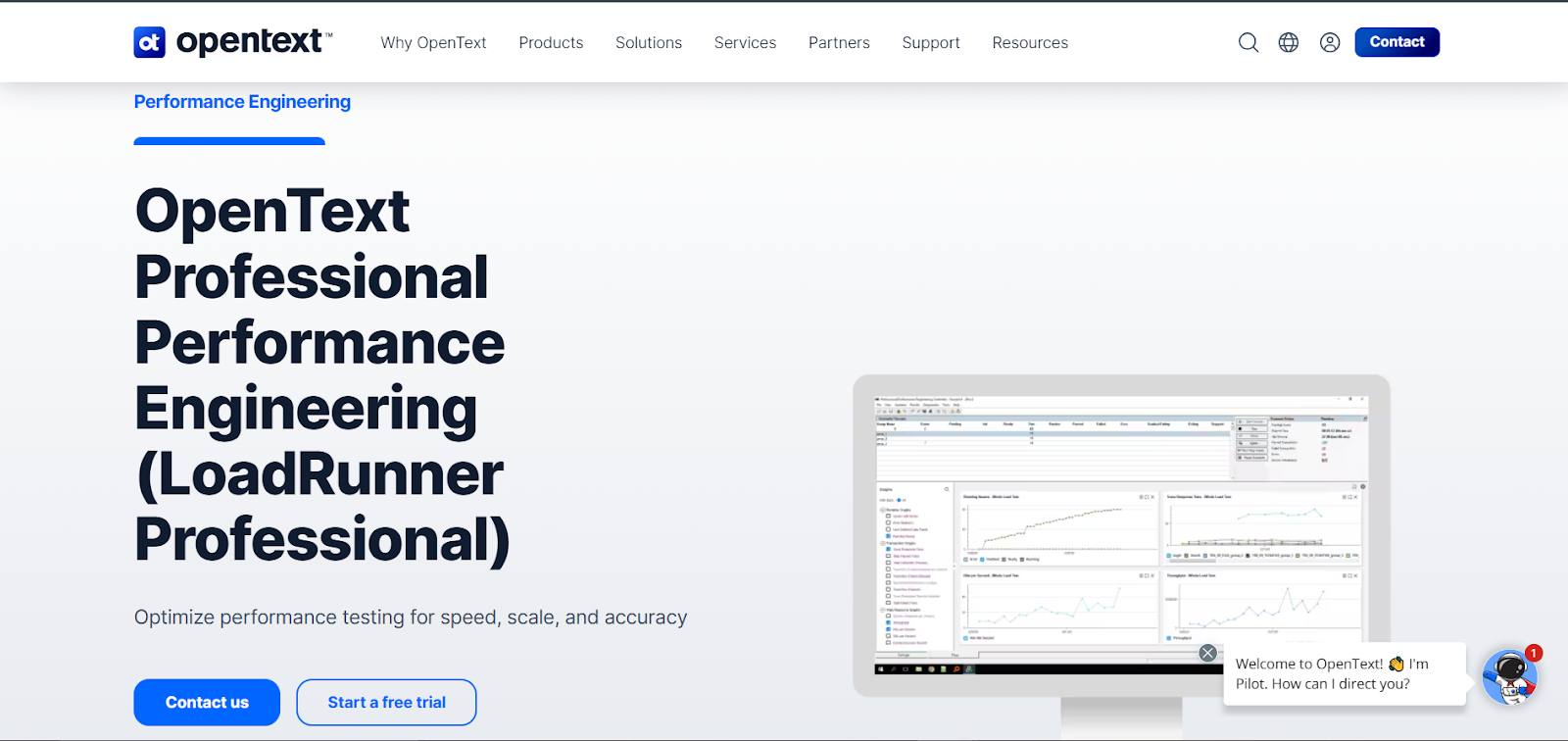
LoadRunner (by OpenText) is an enterprise-grade performance testing tool, ideal for applications expecting high traffic and complex workflows. It allows teams to simulate real-world usage and analyse system performance in depth.
Handles Thousands of Virtual Users
-
- Simulates high user loads to test app stability under stress
- Identifies performance bottlenecks before they affect real users
- Suitable for large-scale, enterprise applications
Supports Multiple Protocols
-
- Works with HTTP/HTTPS, SAP, Citrix, and other enterprise protocols
- Can test complex multi-tier applications
- Provides flexibility for diverse business environments
Comprehensive Reporting
-
- Generates detailed performance metrics, graphs, and dashboards
- Highlights response times, server load, and system resources
- Helps teams make data-driven optimisation decisions
Integrates with Other QA Tools
-
- Works with CI/CD pipelines to automate performance testing
- Can be combined with functional and automation tests for complete QA coverage
- Centralises test management for distributed teams
Enterprise-Grade Scalability
-
- Designed for large organisations and complex projects
- Enables shared scripts, centralised test assets, and team collaboration
- Supports continuous performance monitoring for long-term app stability
Cross-Browser QA Tools for Web Apps
Users access web applications on a wide variety of browsers and devices. Cross-browser testing tools help ensure your web app works consistently, looks correct, and behaves as expected across all environments.
1. BrowserStack
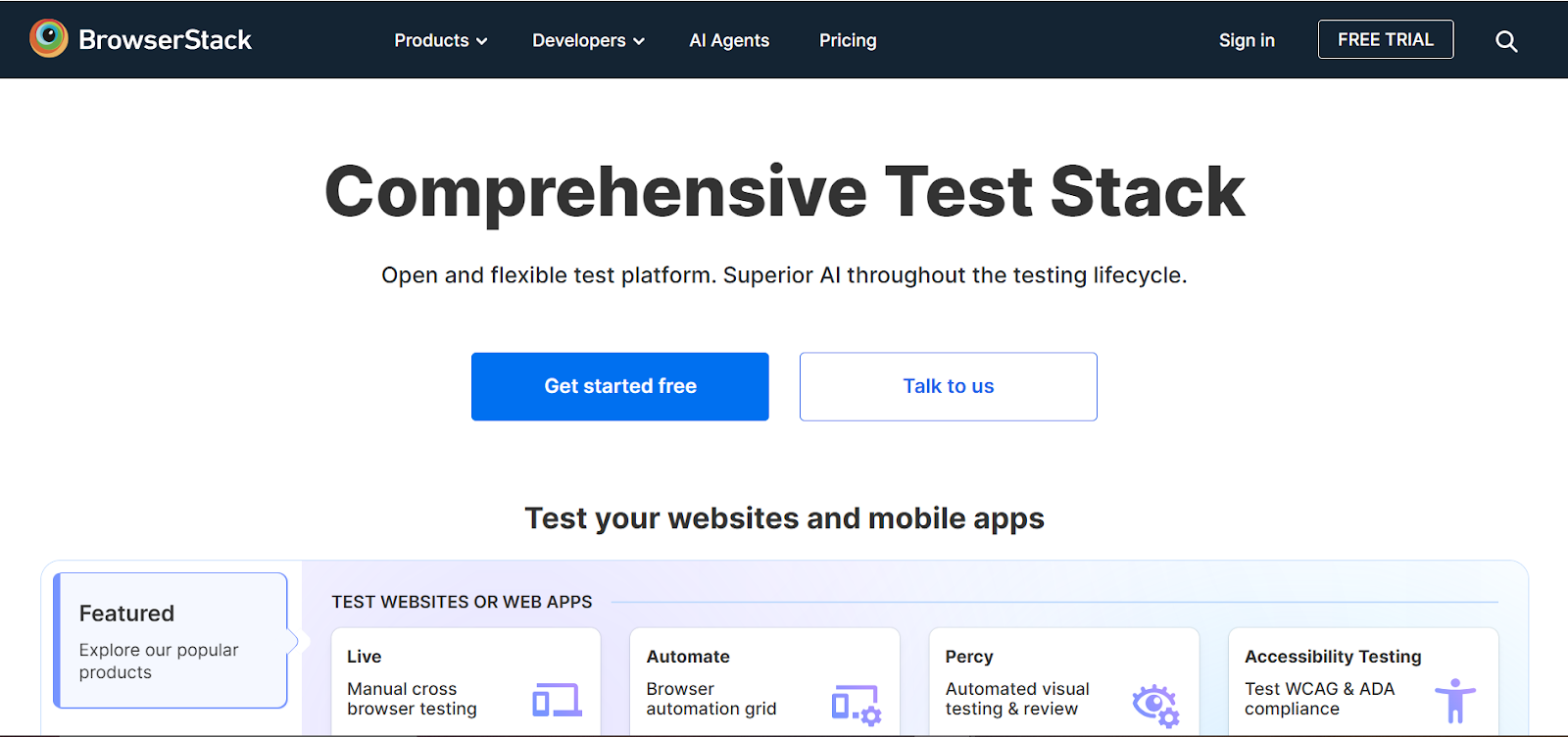
BrowserStack is a cloud-based platform for testing websites and mobile apps across real devices and browsers. It allows teams to quickly identify browser-specific issues without maintaining a large device lab, making testing faster, easier, and more reliable.
Wide Device and Browser Coverage
-
- Supports over 2,000 browser and device combinations
- Tests on real devices rather than emulators for accurate results
- Ensures consistent experience for all users
Live and Automated Testing
-
- Offers interactive live testing for manual checks
- Supports automated tests with tools like Selenium and Playwright
- Allows parallel testing to save time
Detailed Reporting
-
- Captures screenshots and videos of test sessions
- Provides logs for debugging browser-specific issues
- Enables easy sharing of results with the team
Seamless Integration
-
- Works with CI/CD pipelines for continuous testing
- Compatible with popular automation frameworks
- Helps maintain quality across releases
2. Sauce Labs
Sauce Labs is another cloud-based cross-browser testing platform, trusted by enterprise teams. It lets teams test web and mobile applications on a wide range of real and virtual devices, helping catch browser- or device-specific issues early and ensuring consistent user experience.
Parallel Testing
-
- Run multiple tests at the same time to reduce testing time
- Supports both manual and automated testing workflows
- Optimises test execution for faster release cycles
Extensive Browser and Device Support
-
- Covers a large range of desktop and mobile browsers
- Tests on real devices and virtual environments
- Detects UI inconsistencies across platforms
Comprehensive Reporting
-
- Provides video recordings, logs, and analytics
- Helps quickly identify issues specific to a browser or device
- Improves debugging efficiency for teams
Integration-Friendly
-
- Works well with CI/CD pipelines and popular automation tools
- Supports collaboration between QA, development, and product teams
- Ensures consistent quality across all releases
Cross-browser testing tools like BrowserStack and Sauce Labs are essential for delivering a consistent user experience, reducing last-minute surprises, and ensuring your web app looks and works as intended for everyone.
API Testing QA Tools for Web Apps
APIs are the backbone of modern web applications, connecting the front-end with the back-end. Testing APIs ensures that data flows correctly, responses are accurate, and the application functions reliably.
1. Postman
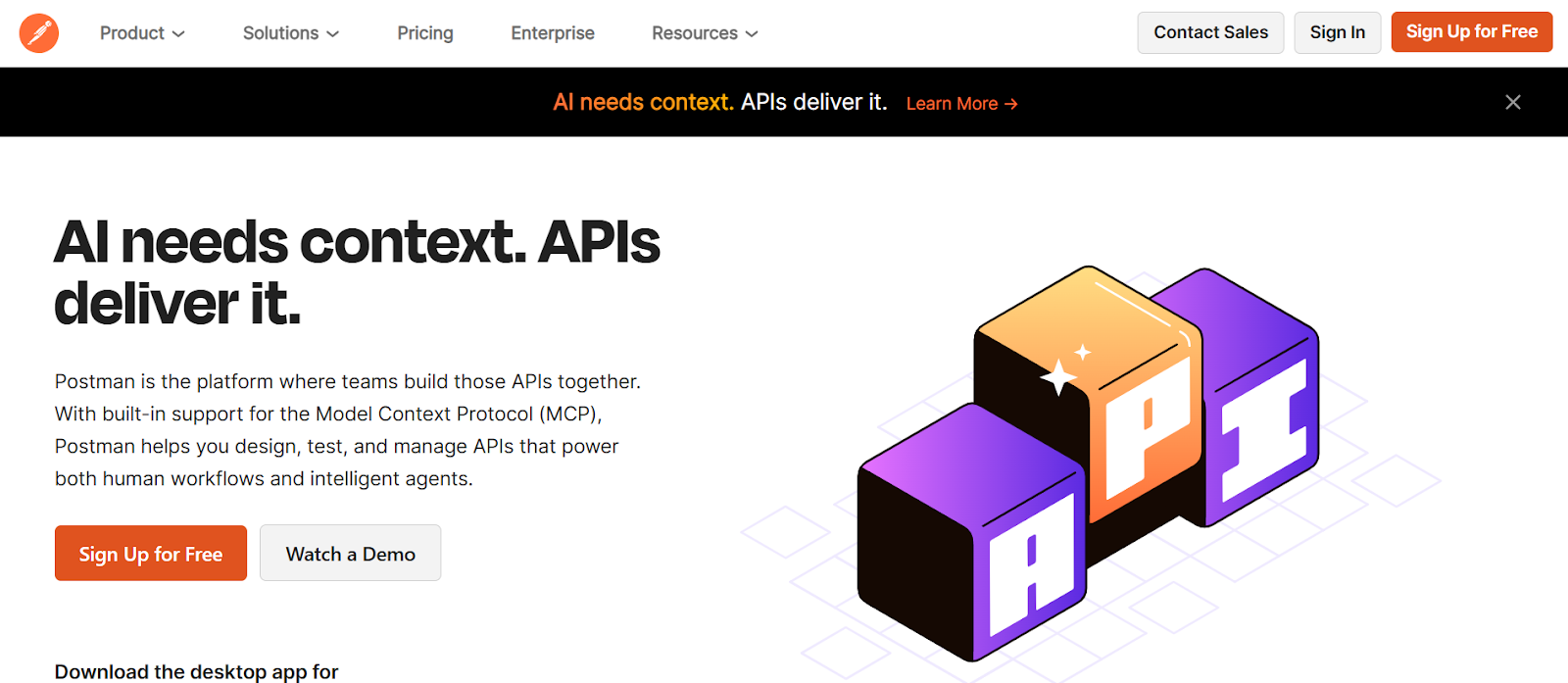
Postman is a popular and user-friendly API testing tool. It simplifies testing by allowing teams to send requests, inspect responses, and validate data quickly without writing complex code.
Supports Multiple API Types
-
- Works with REST, SOAP, and GraphQL APIs
- Handles different request methods like GET, POST, PUT, DELETE
- Verifies responses and data accuracy efficiently
Automation Capabilities
-
- Allows writing scripts for automated API testing
- Supports running tests in collections for batch verification
- Can be integrated into CI/CD pipelines for continuous testing
Result Tracking and Reporting
-
- Keeps a history of requests and responses
- Provides detailed logs for debugging failed API calls
- Enables easy sharing of results with the team
Beginner-Friendly Interface
-
- Intuitive UI makes it accessible for testers with little coding experience
- Offers pre-built templates and examples
- Quick to set up and start testing APIs
2. SoapUI
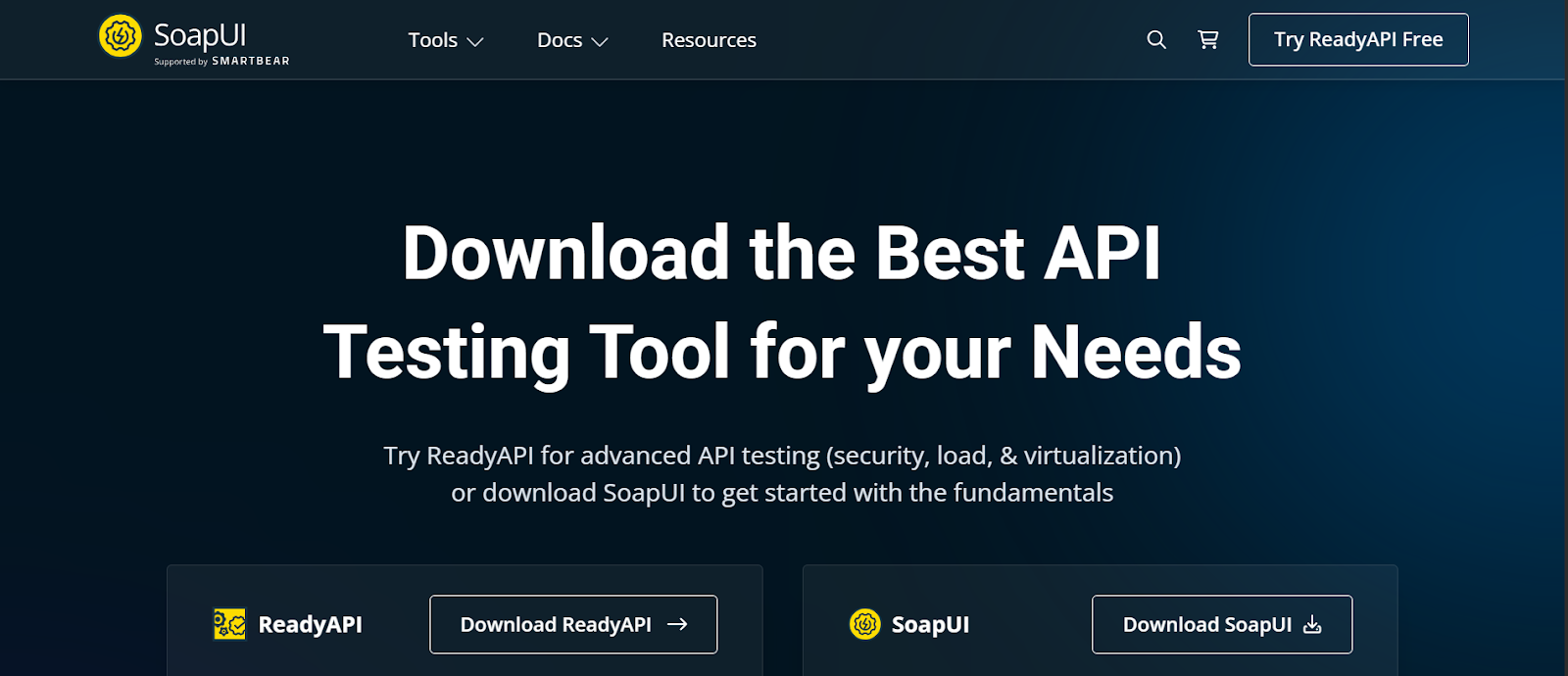
SoapUI is a comprehensive API testing tool, particularly suited for more complex workflows. It allows teams to perform functional, security, and load testing on APIs, ensuring that back-end services work reliably under different conditions.
Advanced API Testing
-
- Handles both REST and SOAP APIs with detailed configurations
- Supports functional, security, and load testing of APIs
- Ideal for complex, enterprise-level API scenarios
Load and Security Testing
-
- Can simulate multiple requests to test API performance under load
- Supports validation of authentication, encryption, and data integrity
- Helps uncover potential vulnerabilities or weaknesses
Structured Testing
-
- Organises test cases, suites, and environments systematically
- Makes it easier to maintain and scale tests for large applications
- Provides comprehensive logs and reports for analysis
Integration with QA Workflows
-
- Works with CI/CD tools for continuous API validation
- Can be combined with automation frameworks and performance tools
- Supports collaboration across development and QA teams
API testing tools like Postman and SoapUI ensure that your application’s back-end services work correctly, that data integrity is maintained, and that new changes don’t break existing functionality.
Other Notable QA Tools for Web Apps
Some QA tools focus not on testing itself but on managing, tracking, and documenting the QA process. Two of the most popular tools in this category are Jira and TestRail.
1. Jira
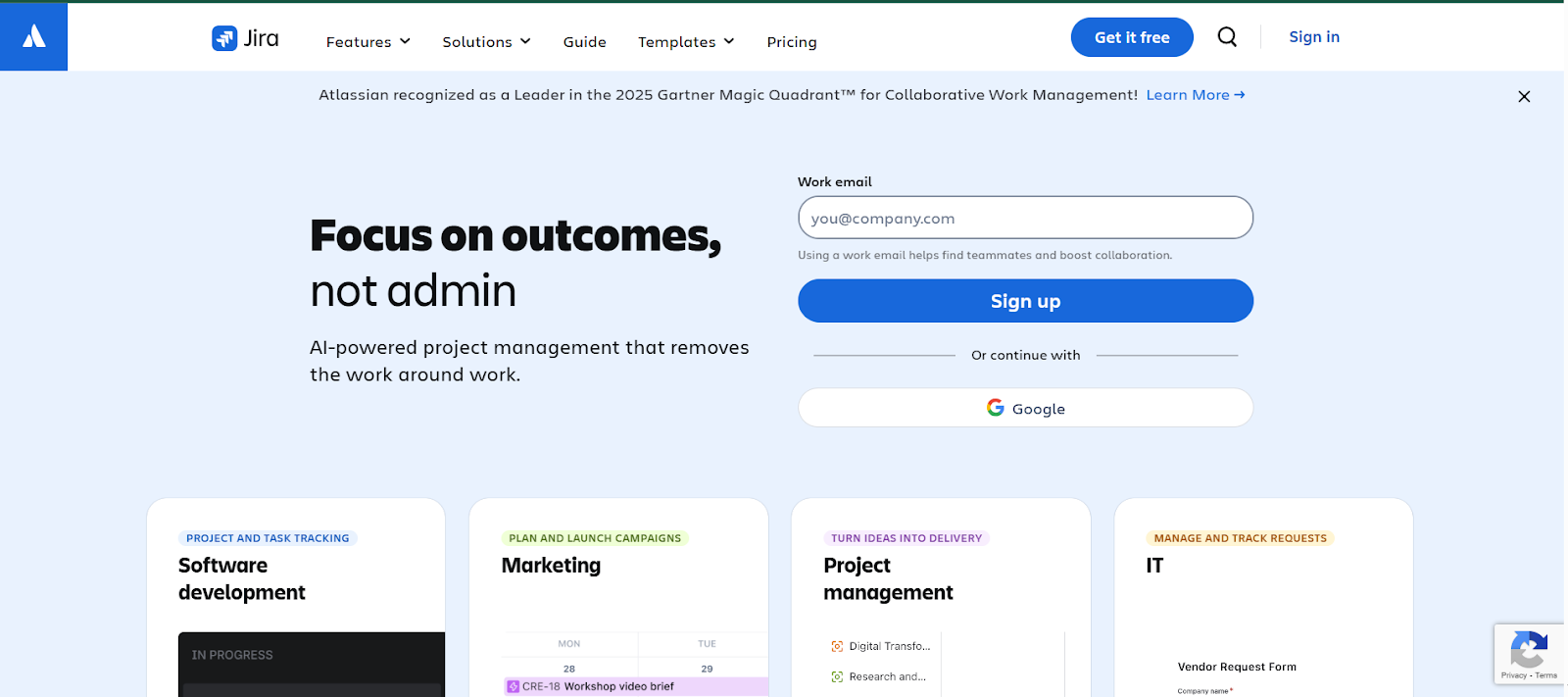
Jira is widely used for tracking bugs, managing projects, and organising QA workflows. It also helps teams prioritise tasks, monitor progress, and maintain clear communication across development and QA teams, making project management more efficient.
Centralised Bug Tracking
-
- Record and manage bugs in a single platform
- Track issues from discovery to resolution
- Ensures nothing gets overlooked
Workflow Customisation
-
- Custom workflows to match team processes
- Define stages, approvals, and notifications
- Adaptable to different project methodologies
Integration with Test Management Tools
-
- Connects with tools like TestRail and automation frameworks
- Supports linking test results to development tickets
- Improves coordination between QA and development teams
Clear Reporting
-
- Dashboards and reports to monitor progress
- Track issue resolution, sprint status, and team performance
- Helps stakeholders stay informed
2. TestRail
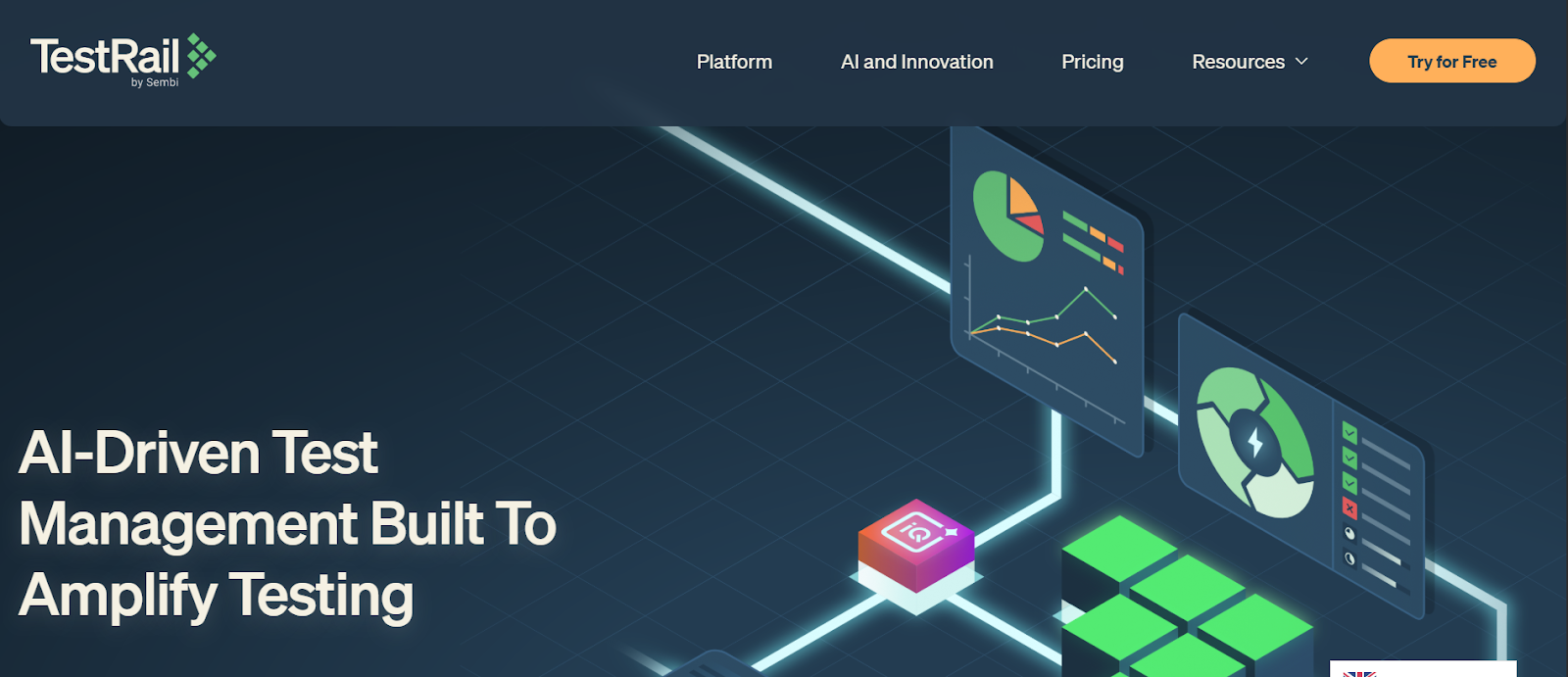
TestRail is a test case management tool that helps teams organise, plan, and track QA efforts. It also provides a clear overview of test coverage, progress, and results, ensuring teams can identify gaps and maintain high-quality standards.
Plan and Execute Tests
-
- Create test suites and assign test cases to team members
- Schedule and manage test runs efficiently
- Maintain structure in large QA projects
Record Results Systematically
-
- Capture pass/fail results and comments for each test case
- Maintain history of executed tests for reference
- Identify recurring issues and track fixes
Track Test Coverage Over Time
-
- Monitor which features or modules have been tested
- Identify gaps in testing and coverage
- Analyse trends for better quality assurance
Easy Integration with Jira
-
- Link test cases and results to Jira tickets
- Maintain full traceability between bugs and test coverage
- Streamlines collaboration between QA and development teams
Using Jira and TestRail together helps teams maintain structured QA workflows, clear documentation, and efficient collaboration, ensuring web applications are thoroughly tested and issues are tracked effectively.
How to Choose the Right QA Tools for Web Apps
Choosing the right QA tools depends on several factors, including your team size, project complexity, and specific testing needs. While there’s no one-size-fits-all solution, a balanced setup can cover the essential areas of web app testing efficiently.
Suggested Tool Setup
-
- Automation: Playwright or Selenium
- Automate repetitive tests, ensure consistent functionality, and speed up regression testing.
- Automation: Playwright or Selenium
-
- Performance: JMeter or LoadRunner
- Monitor how your app performs under different user loads and identify bottlenecks early.
- Performance: JMeter or LoadRunner
-
- Cross-Browser Testing: BrowserStack or Sauce Labs
- Ensure your web app looks and works correctly across various browsers and devices.
- Cross-Browser Testing: BrowserStack or Sauce Labs
-
- API Testing: Postman or SoapUI
- Validate data flow, functionality, and reliability of back-end services.
- API Testing: Postman or SoapUI
-
- Project & Test Management: Jira + TestRail
- Track bugs, organise test cases, and maintain clear documentation for your QA process.
- Project & Test Management: Jira + TestRail
Combining Tools for Reliable QA
Using these tools together creates a structured, manageable QA workflow that covers all critical aspects of web app testing. Each tool complements the others — automation handles repetitive checks, performance tools measure reliability, cross-browser tools ensure consistent UI/UX, and API and management tools provide accuracy and organisation.
If your team needs guidance on selecting or implementing the right QA tools, Emvigo’s QA and development services can provide hands-on support. Our experts help you design a testing setup that ensures smooth delivery, reduces errors, and keeps your web application performing reliably.
FAQs on QA Tools for Web Apps
What are the most reliable QA tools for web apps?
Popular QA tools for web apps include Playwright, Selenium, JMeter, LoadRunner, BrowserStack, Sauce Labs, Postman, SoapUI, Jira, and TestRail.
Which QA tools for web apps are best for beginners?
Playwright, Postman, BrowserStack, Jira, and TestRail are user-friendly and easy to start with.
Do QA tools for web apps replace manual testing?
Automation reduces repetitive tasks, but manual testing is still essential for usability, UI checks, and exploratory testing.
Are cross-browser QA tools necessary?
Yes, tools like BrowserStack and Sauce Labs help ensure consistent experience across browsers and devices.
How do QA tools for web apps improve testing efficiency?
QA tools automate repetitive tasks, track issues, and provide detailed reports, allowing teams to focus on critical testing areas and release products faster.
Can QA tools for web apps test APIs effectively?
Yes, tools like Postman and SoapUI are designed to test APIs, ensuring data flows correctly and backend services remain reliable.
Which QA tools for web apps are best for performance testing?
JMeter and LoadRunner are ideal for performance testing, helping teams identify slow pages, server bottlenecks, and load-handling capacity.
Do QA tools for web apps work for small teams?
Absolutely. Tools like Playwright, Postman, BrowserStack, Jira, and TestRail are accessible to small teams, offering simple setup and beginner-friendly interfaces.
How do QA tools for web apps support collaboration?
Tools like Jira and TestRail centralise bug tracking, test management, and reporting, allowing developers, testers, and managers to stay aligned.
Wrapping Up: Trusted QA Tools for Web Apps
Choosing the right QA tools for web apps is key to delivering reliable, high-quality applications. Automation tools like Playwright and Selenium help reduce repetitive work and make testing consistent across different browsers. Performance tools such as JMeter and LoadRunner identify bottlenecks and ensure your app stays fast and stable. Cross-browser testing tools like BrowserStack and Sauce Labs make sure your app looks and works correctly on every device. API testing tools like Postman and SoapUI keep backend services running reliably, while supporting tools like Jira and TestRail help teams stay organised, track issues, and maintain clear documentation throughout the project.
Using a combination of these tools creates a well-structured QA workflow, improving efficiency, reducing errors, and enhancing collaboration between developers, testers, and project managers. Whether your team is small or large, beginner-friendly or experienced, the right QA setup gives confidence that your web application will perform smoothly and deliver a seamless user experience.
For teams aiming to implement a dependable QA strategy or choose the most suitable tools for their projects, Emvigo’s QA and development services offer hands-on guidance, ensuring testing is thorough, delivery is smooth, and applications meet the highest quality standards.