TL;DR – What You’ll Actually Learn Here
-
- Forethought deflects 54% of Tier 1 support tickets, but the result depends entirely on your historical training data.
- UiPath’s licence is often under 30% of what you’ll actually spend. The rest is implementation, integration, and maintenance that nobody quotes upfront.
- Zapier has a hidden task-volume ceiling where costs flip unexpectedly. Most teams hit it without seeing it coming.
- Workato and Kissflow look interchangeable on a features chart. They’re not. Choosing the wrong one at the wrong business stage is a six-figure mistake.
- Omnisend’s AI segmentation goes deeper than most eCommerce teams realise, and most are only using 40% of what it can do.
- There’s one integration risk that appears in almost every automation project brief and gets ignored almost every time. It’s the most common reason implementations stall at the three-month mark.
- The ROI case for automation isn’t universal. For three specific workflow types, it’s almost always justifiable. For everything else, it depends, and we tell you how to tell the difference.
- Agentic AI workflows are already being deployed in production environments. The businesses building automation architecture now are the ones who’ll adopt them without starting over.
Why Is Everyone Talking About AI Business Automation Tools?
Picture a typical Monday morning inside a growing business.
Sales teams are exporting leads from one platform to another. Finance is reconciling invoices across spreadsheets. Support agents are manually sorting customer tickets before they even begin solving them.
None of these tasks is particularly complex. Yet together they create a kind of operational traffic jam that slows down the entire organisation.
This is where AI automation tools for business are beginning to change the equation.
Instead of relying on static scripts or rule-based workflows, modern AI business automation tools analyse patterns. It connects different systems and triggers actions automatically.
But there’s one challenge most leaders quickly run into.
The market is now crowded with AI tools for business automation, workflow platforms, and intelligent integration systems. Some are simple connectors. Others are powerful enterprise platforms designed to orchestrate entire digital workflows.
Choosing the right one requires clarity.
What Are AI Automation Tools for Business?
AI automation tools for business are software platforms that use artificial intelligence to automate workflows, integrate systems, analyse data, and reduce manual operational tasks across departments.
Unlike traditional automation software, modern AI tools for business integration and automation can learn from data. It can recommend improvements and coordinate complex processes across multiple business systems.
McKinsey estimates that around 70% of business tasks have automation potential. Most companies have acted on less than 20% of that.
Let’s break down the leading AI solutions for business automation in 2026. We will explore the platforms that are making the biggest operational impact and how organisations can identify the tools that fit their scale, workflows, and long-term automation strategy.
At a Glance: 10 AI Automation Tools for Businesses Compared
Before going deep on each tool, here’s the lay of the land. These 10 platforms are the tools moving the needle for businesses in 2026. This is a carefully considered shortlist across different use cases and budgets.
AI Automation Tools: Quick Cost & Use-Case Comparison
| Tool | Category | Best For | Starting Price (GBP) |
| Kissflow | Workflow Automation | SMEs and enterprises | ~£1,960/month |
| UiPath | RPA (Robotic Process Automation) | Large-scale enterprise automation | ~£20/month (basic) |
| Zapier | Integration and Automation | SMEs and startups | ~£13/month |
| Workato | Enterprise Integration | Complex multi-system workflows | Custom pricing |
| Forethought | Customer Support AI | SaaS and eCommerce support teams | Custom pricing |
| Alteryx AI | Data Analytics Automation | Data-heavy teams and analysts | ~£200/user/month |
| Nintex | Compliance Workflows | Regulated industries | ~£20/user/month |
| Smartcat | Translation and Content Automation | Global brands and localisation teams | ~£950/year |
| Omnisend | eCommerce Marketing Automation | D2C brands | ~£9/month |
| Notion AI | Productivity / AI Workspace | Agile teams and startups | ~£16–£20/user/month (included in Business plan) |
Pricing for enterprise platforms like Workato and UiPath varies based on deployment scale, number of automations, and support level. The figures above are starting points, not what most mid-to-large businesses will actually pay.
How Were These AI Automation Tools Evaluated?
Before getting into the details, it’s worth being transparent about what made the cut. Every tool was assessed on five criteria that actually matter to implementation decisions:
- AI capability depth – Does it go beyond rules-based logic? Does it learn, adapt, or make decisions?
- Integration breadth – How well does it connect with systems businesses already use?
- Implementation realism – What does it actually take to get it live and working?
- Scalability – Will it hold up as your operation grows?
- Total cost of ownership – Licence fee plus integration, maintenance, and training
What Are the Best AI Automation Tools for Business in 2026?
1. Kissflow – The Fastest Way to Get Workflows Automated Without Developers
Category: Workflow Automation, No-Code/Low-Code
Best for: SMEs and enterprises that need operational automation without relying on engineering
Price: From approximately £1,960/month
What It Actually Does
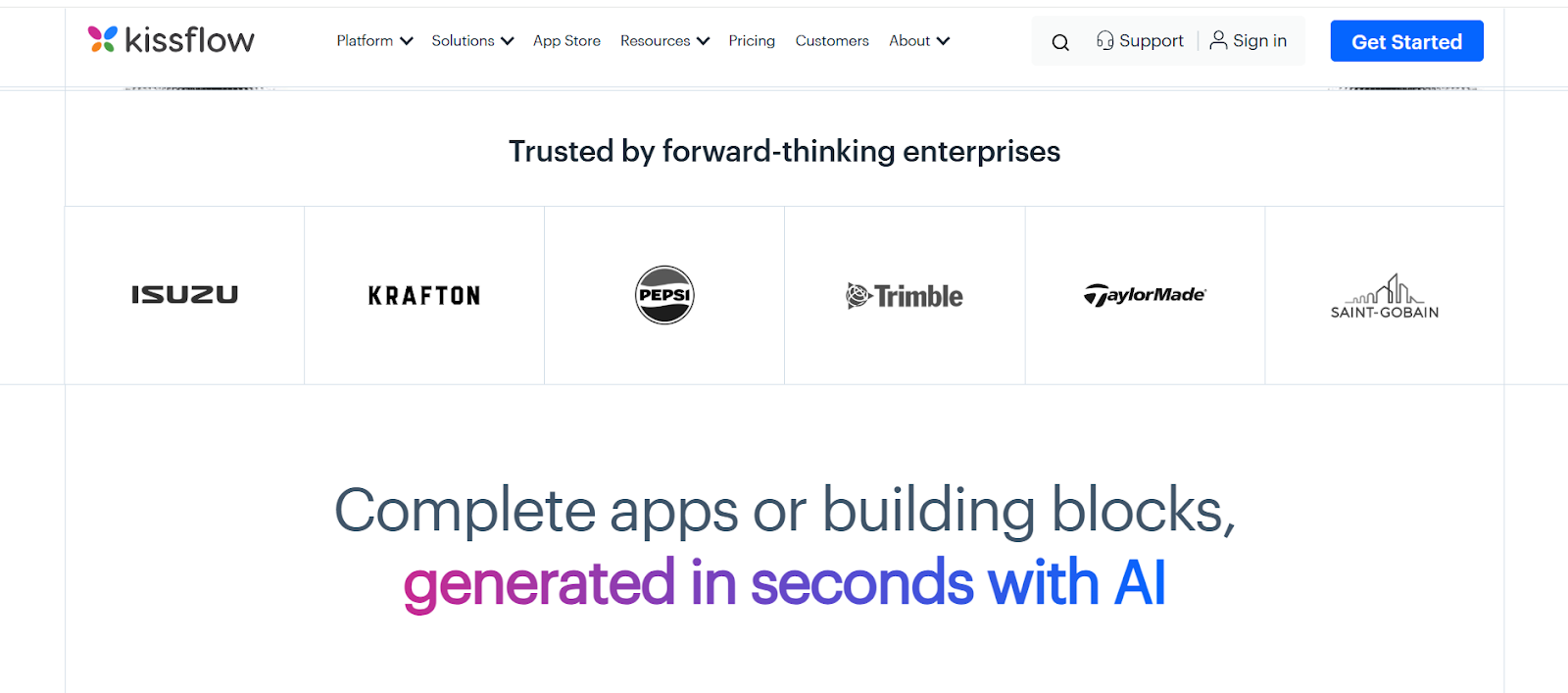
Kissflow lets operations teams build approval workflows, HR processes, and procurement flows without touching code. The AI layer analyses usage patterns and suggests workflow improvements. This sounds gimmicky until you realise how many companies are running inefficient approval chains they’ve never questioned.
Where It’s Strong
Speed of deployment is the real differentiator. Most teams can get a working process live in a day or two. For HR approvals, finance sign-offs, and procurement workflows, it handles the job well without needing DevOps involvement.
Where It Falls Short
Complex enterprise logic with many exceptions will push its limits. If your workflows depend on legacy systems with limited API access, Kissflow alone won’t be enough. Think of it as the right starting point, not the final architecture.
Verdict for Decision-Makers
If you need quick automation wins across non-technical teams, Kissflow earns its place. If your workflows are already highly complex, you’ll likely outgrow it.
2. Smartcat – Translation and Content Automation for Global Operations
Category: AI Content and Translation Automation
Best for: Global brands, marketing teams, content-heavy operations
Price: From ~£950/year
What It Actually Does
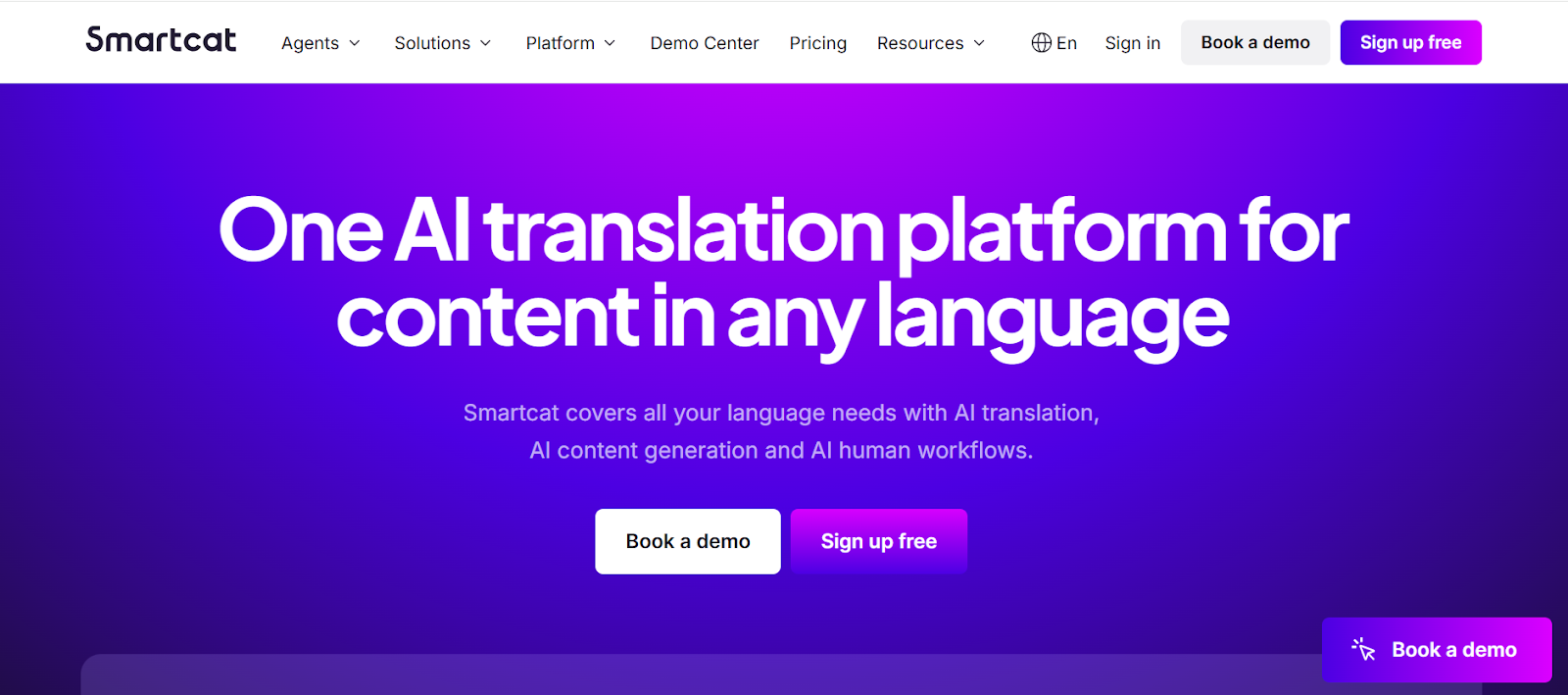
Smartcat automates translation and localisation workflows using AI, connecting translators, reviewers, and CMS platforms in one pipeline. It integrates with WordPress, HubSpot, and Webflow, allowing content teams to automate multilingual publishing at scale.
Where It’s Strong
For companies publishing content across multiple markets, it removes the coordination bottleneck, such as briefing translators, chasing reviews, and managing versions across formats. The AI translation quality is good enough for most marketing content without human review.
Where It Falls Short
Sensitive content, like legal documents, healthcare communications, and brand-critical copy, still benefits from human review. And outside of localisation, there’s limited automation capability.
Verdict for Decision-Makers
Right for global businesses where localisation is a regular operational cost. Not relevant if your content operation is primarily single-language.
3. UiPath – The Enterprise Standard for Large-Scale AI Process Automation
Category: Robotic Process Automation (RPA)
Best for: Enterprises with high-volume, repetitive, process-heavy operations
Price: From ~£20/month (basic); enterprise pricing on request
What It Actually Does
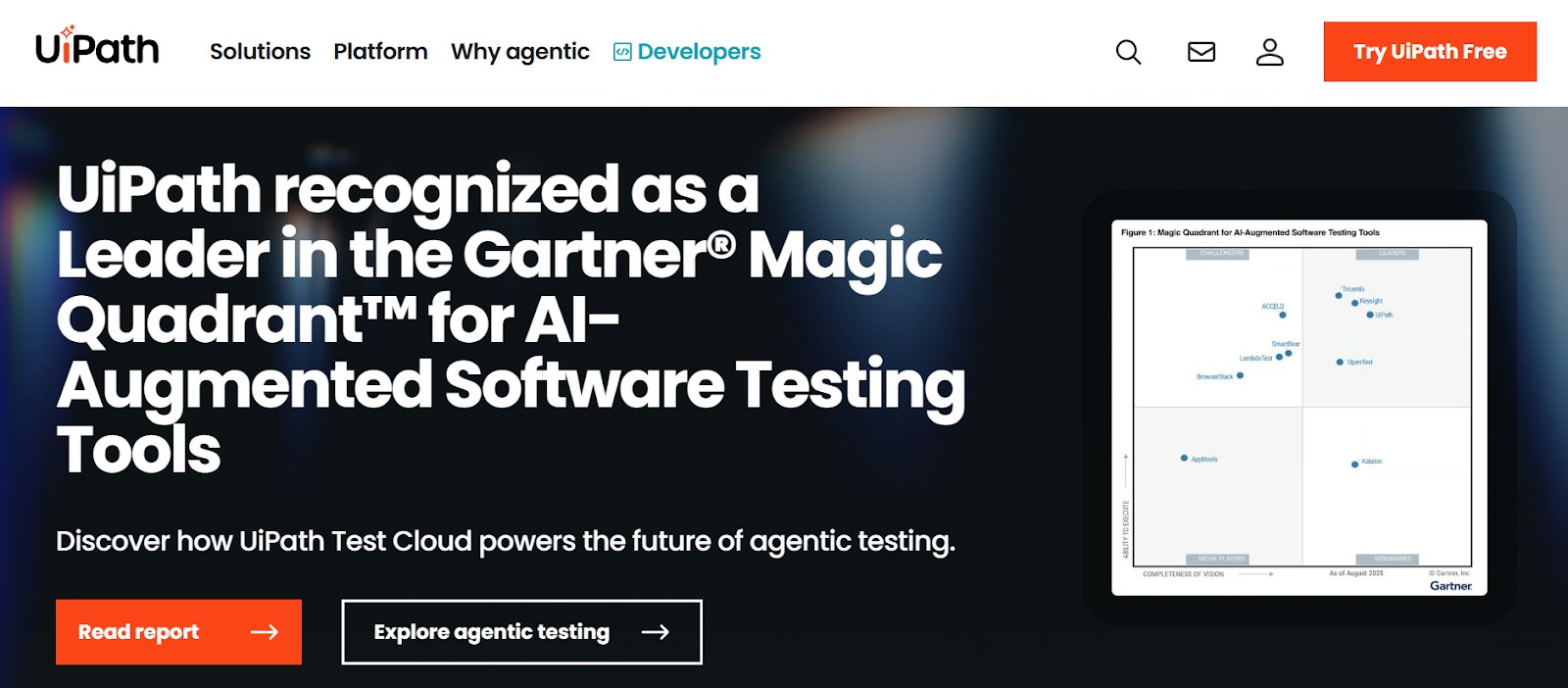
UiPath deploys AI-powered software bots that handle document processing, data entry, system integrations, and cross-platform workflows at scale. Finance teams use it for invoice processing, and HR teams use it for onboarding. Logistics operations use it for shipment tracking and supplier communications.
Where It’s Strong
It’s genuinely best-in-class for RPA. The intelligent document processing capabilities handle unstructured data like scanned invoices, handwritten forms, and email attachments. It comes with a level of accuracy that rules-based automation can’t match. Enterprise-grade security and audit trails are built in.
Where It Falls Short
Implementation is not lightweight. You need a dedicated team or an experienced technical partner. The learning curve is real, and the cost of getting it wrong is also real. For companies without the internal capacity, this is where a structured implementation partner matters more than the tool itself.
Verdict for Decision-Makers
The strongest choice for large-scale enterprise automation, where ROI can be measured in hours saved across thousands of monthly transactions. Not appropriate for businesses that don’t have the implementation capacity to match it.
4. Forethought – AI-Driven Customer Support Automation That Actually Reduces Ticket Volume
Category: AI Customer Support Automation
Best for: SaaS companies, eCommerce, and helpdesk teams
Price: Custom pricing
What It Actually Does
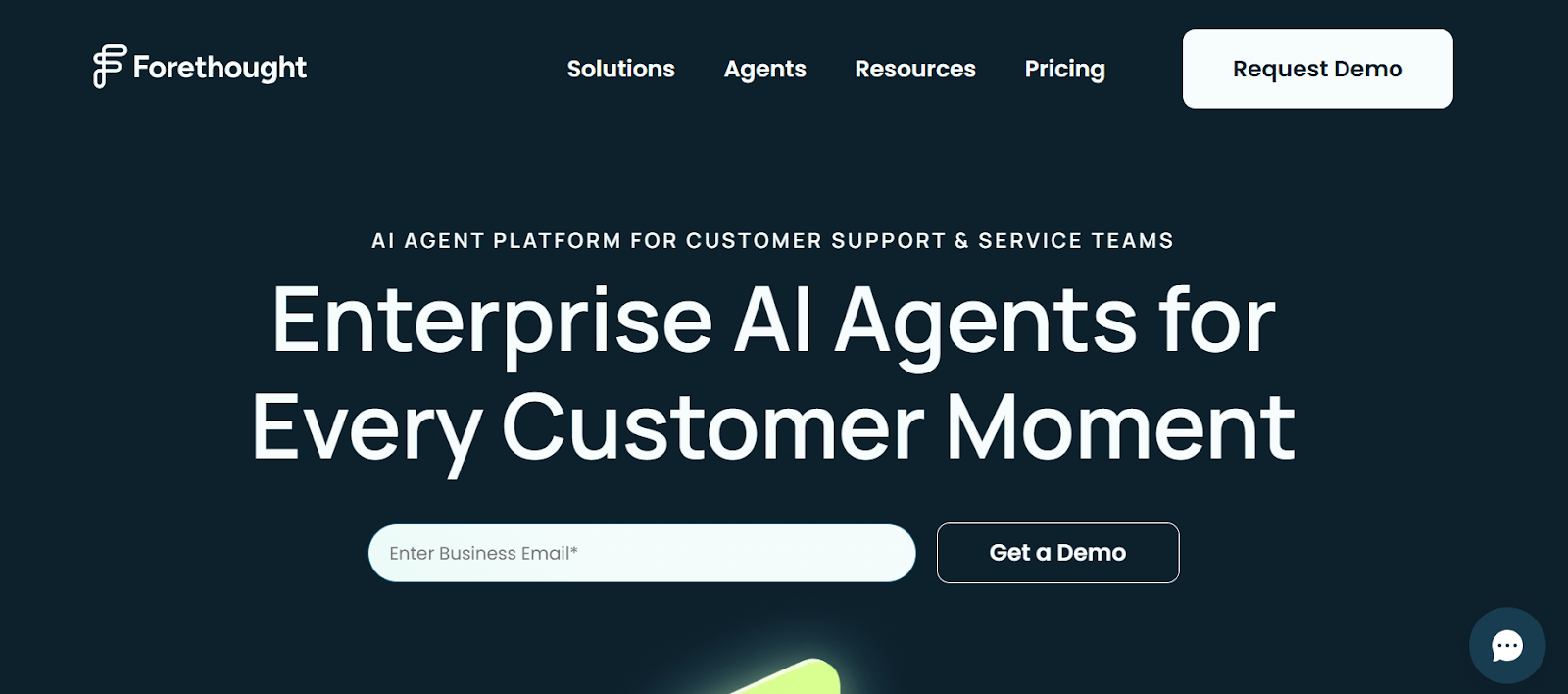
Forethought uses generative AI to triage incoming support tickets, predict intent, and suggest resolutions. In many cases, it resolves them automatically, drawing on your historical support data. Forethought integrates natively with Zendesk, Freshdesk, and Salesforce.
Where It’s Strong
Teams using it report automating 50–60% of Tier 1 support interactions. That’s not a marketing claim. It’s the consistent figure from teams with clean historical data and well-defined support workflows. Implementation time is shorter compared to enterprise RPA tools.
Where It Falls Short
Performance depends on the quality of your historical support data. Specifically, Forethought typically needs at least 12 months of ticket history, consistent categorisation across 80% or more of past tickets, and a monthly ticket volume of around 5,000 to reliably hit that 54% deflection rate. Below that threshold, the model has too little to learn from, and performance drops noticeably. If your data doesn’t meet those markers yet, it’s worth running a data audit before committing to the platform. It’s also not suited for higher technical support where human judgment is required.
Verdict for Decision-Makers
Strong ROI case for SaaS and eCommerce support teams managing high ticket volumes. Model the cost of your current support headcount against a 50% deflection rate, and the numbers tend to be persuasive.
5. Alteryx AI – Data and Analytics Automation for Teams Drowning in Preparation Work
Category: Data Automation and AI Analytics
Best for: Data-heavy organisations, BI teams, financial analysts
Price: From ~£200/user/month, billed annually
What It Actually Does
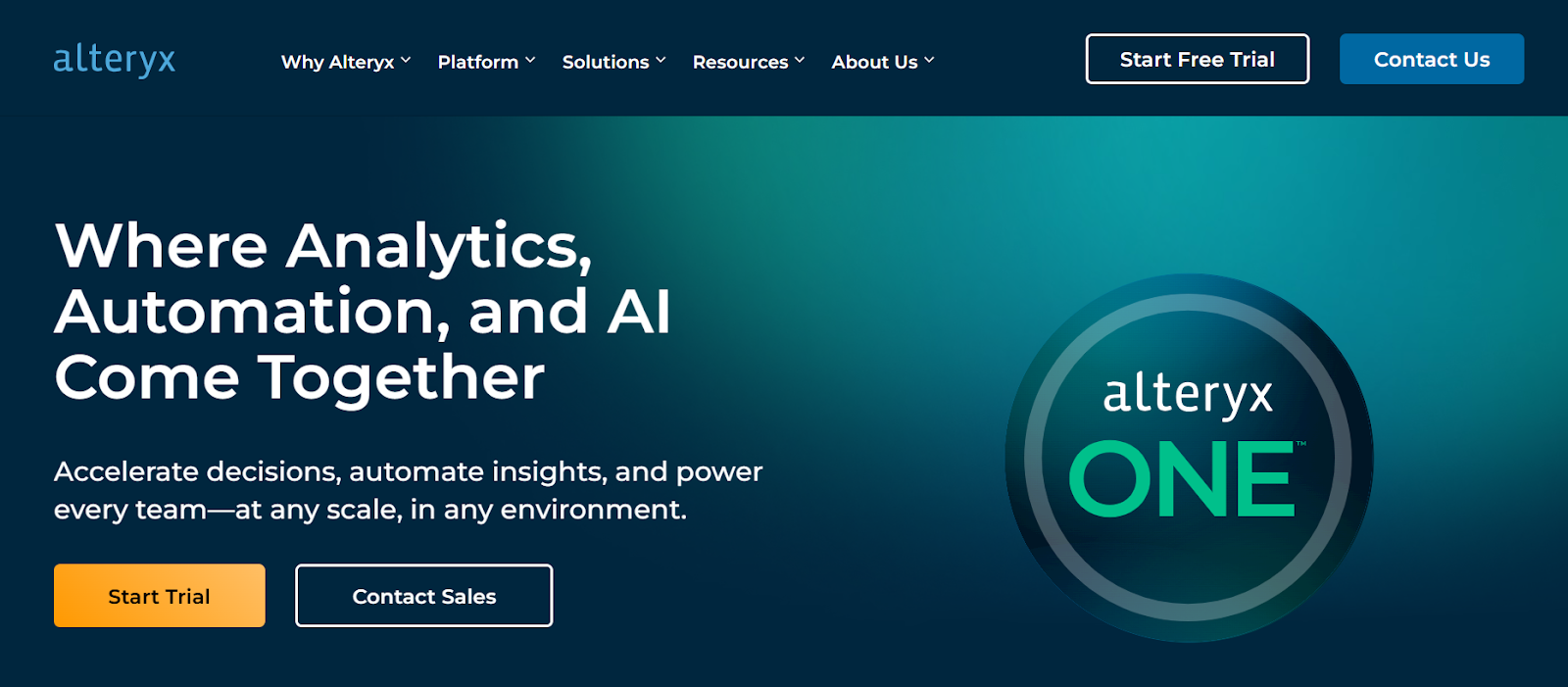
Alteryx removes the manual data preparation that consumes a large proportion of analysts’ time. Its drag-and-drop interface lets teams build end-to-end data pipelines, run predictive models, and surface insights. It does not require deep data science expertise for every task.
Where It’s Strong
The reduction in manual data prep is significant. For teams running regular sales forecasting, financial analytics, or customer data analysis, the time savings are measurable within the first few weeks. The ML features are accessible without specialist data science knowledge.
Where It Falls Short
The pricing is substantial. At ~£200/user/month, it’s only justifiable if you have a dedicated analytics function that’s currently bottlenecked on data preparation time.
Verdict for Decision-Makers
Strong fit for data-heavy businesses where analysts are spending more time cleaning data than analysing it. Not appropriate for companies without a dedicated analytics team.
6. Zapier – The Entry Point for AI-Assisted Business Automation
Category: Automation and Integration
Best for: Startups, SMEs, small ops teams
Price: From ~£13/month (Professional), ~£45/month (Team)
What It Actually Does
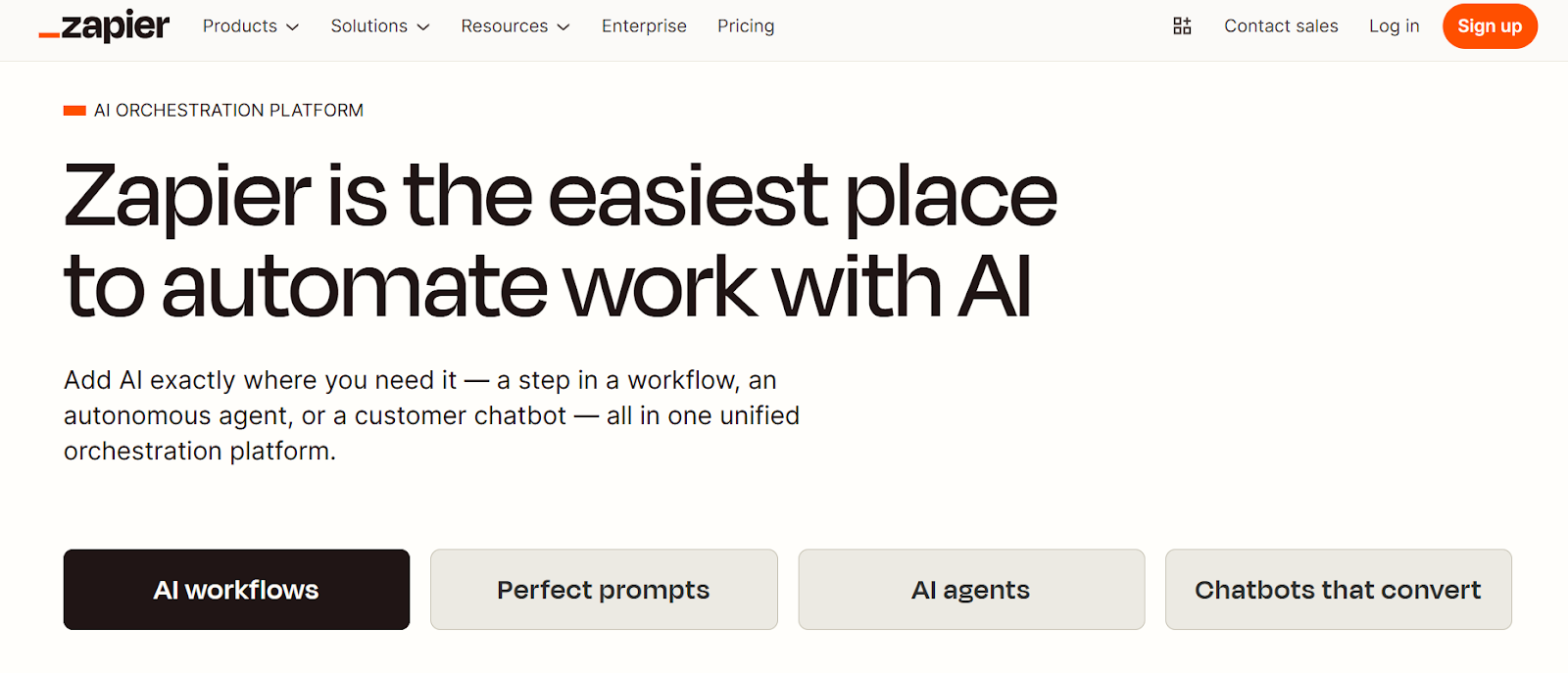
Zapier connects over 7,000 apps and automates tasks between them using triggers and actions. The AI-assisted Zap builder makes it faster to set up common workflows like lead routing, CRM updates, and notification automations without writing code.
Where It’s Strong
It’s the most accessible AI automation tool on this list by a considerable margin. If your team uses common SaaS tools and you want to stop doing repetitive manual data-moving tasks, Zapier solves that problem today.
Where It Falls Short
Task volume costs scale quickly once you automate aggressively. It’s also not designed for complex, branching enterprise workflows. Think of it as the automation layer for your apps and not the automation layer for your operations.
Verdict for Decision-Makers
Right for SMEs and startups. Wrong for complex enterprise automation. If Zapier is already handling your needs, don’t let anyone convince you that you need something more expensive yet.
7. Nintex – Workflow Automation Built for Compliance-Driven Environments
Category: Enterprise Workflow and Process Management
Best for: Large organisations in regulated industries
Price: From ~£20/user/month; enterprise pricing varies
What It Actually Does
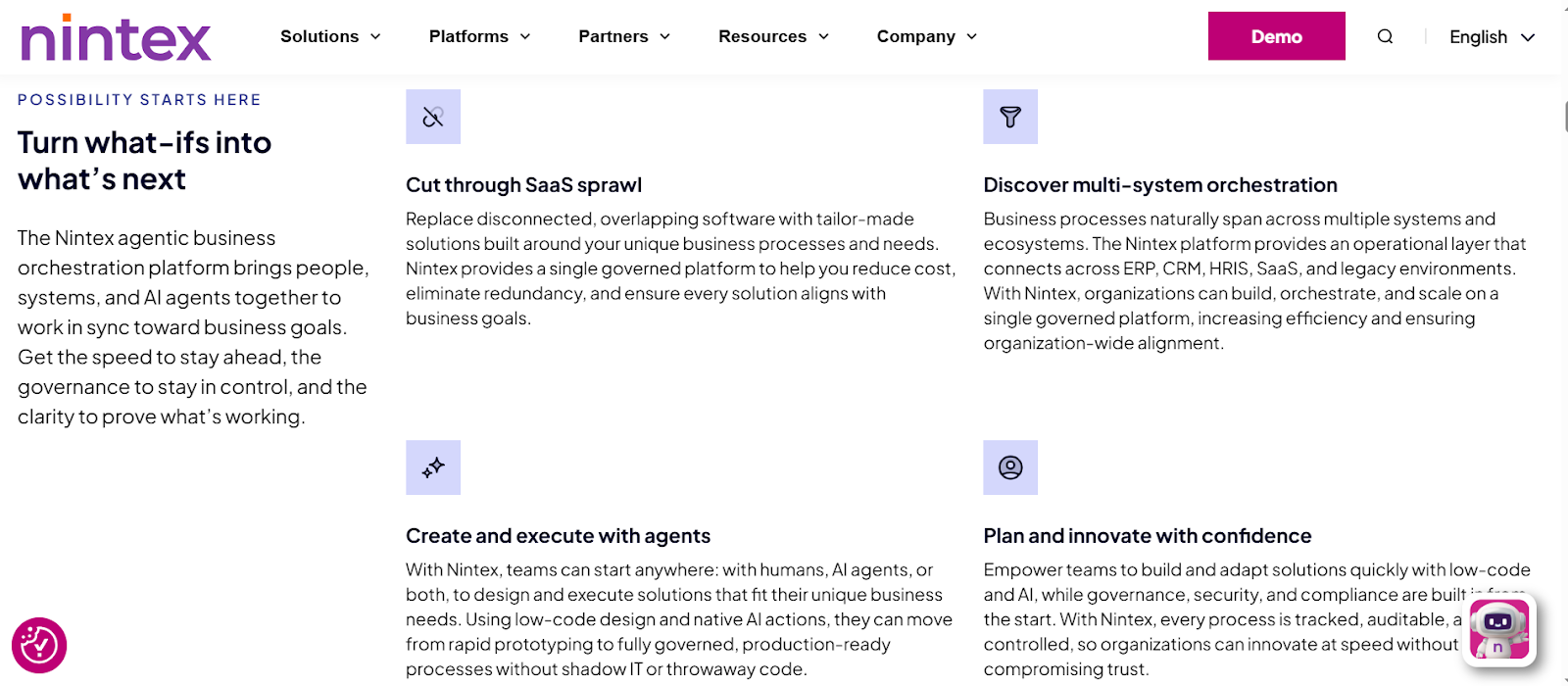
Nintex handles document-heavy, compliance-driven workflows with audit trails built in. Process mapping, document automation, and RPA capabilities sit in a single platform. This matters for legal, finance, and operations teams, where every step needs to be traceable.
Where It’s Strong
Structured, regulated workflows are where Nintex outperforms more general-purpose tools. If your compliance team needs automated workflows with documented decision trails, it handles that reliably.
Where It Falls Short
The interface feels dated compared to newer platforms. Not a strong fit for small teams or agile environments where speed of iteration matters.
Verdict for Decision-Makers
A solid choice for enterprises in regulated industries like financial services, legal, healthcare, public sector, where compliance documentation is non-negotiable.
8. Omnisend – E-commerce Marketing Automation Powered by AI Segmentation
Category: AI Marketing Automation
Best for: eCommerce, D2C brands, retail
Price: From ~£9/month (Standard), ~£33/month (Pro)
What It Actually Does
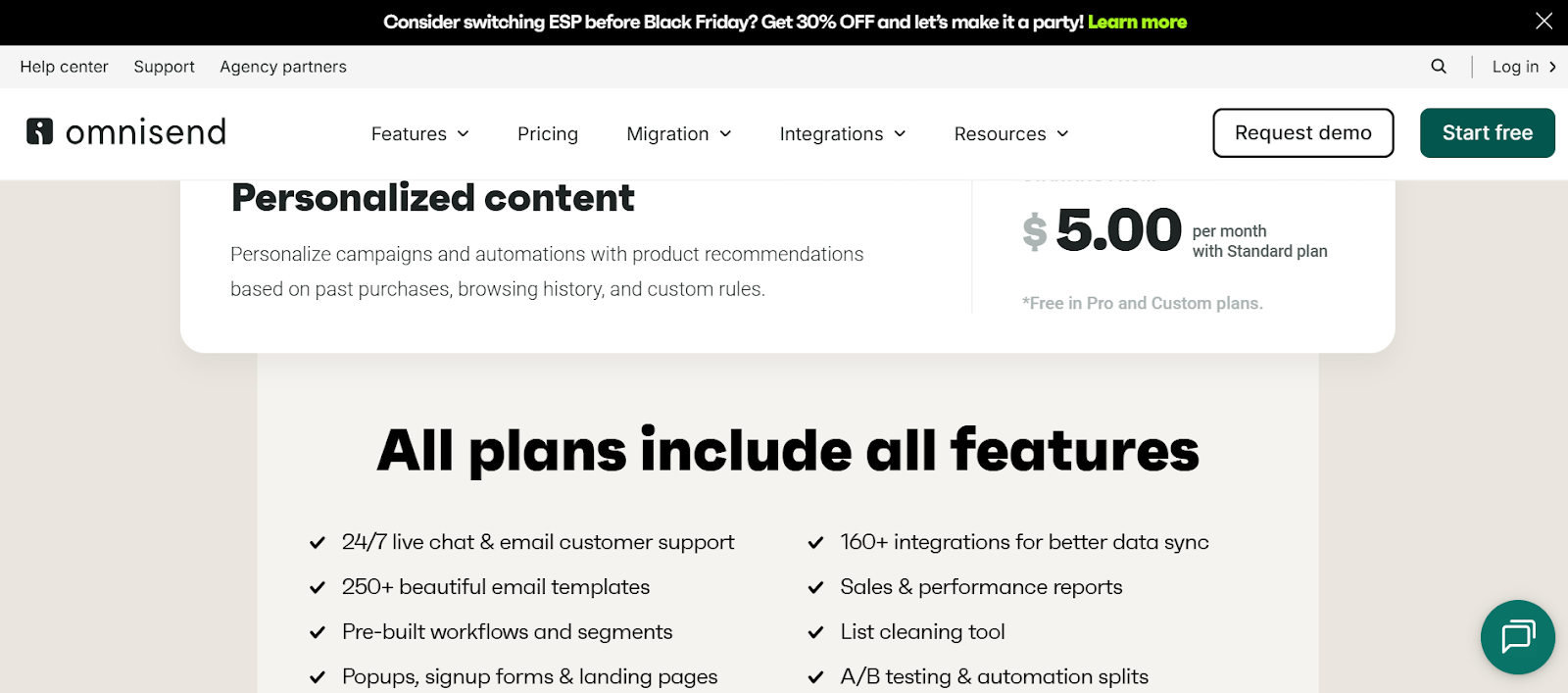
Omnisend automates email and SMS marketing for eCommerce using AI-powered customer segmentation and behaviour-triggered flows. Cart abandonment sequences, post-purchase automations, and personalised product recommendations are its strongest use cases.
Where It’s Strong
The AI segmentation goes beyond basic demographic splits. It uses purchase behaviour, browsing patterns, and engagement history to build audience segments that convert better. Multi-channel automation across email and SMS from a single platform simplifies the operational overhead.
Where It Falls Short
It’s built entirely for eCommerce marketing. No value outside that context. B2B businesses or non-eCommerce brands will find limited application.
Verdict for Decision-Makers
If you’re running an eCommerce operation and not using behaviour-triggered automation, Omnisend or a comparable platform should be near the top of your priority list. The pricing is accessible, and the ROI case is direct.
9. Workato – Enterprise Automation and Integration That Scales
Category: Enterprise Automation and Integration
Best for: Mid-market to enterprise businesses with complex, multi-system workflows
Price: Custom (enterprise pricing)
What It Actually Does
Workato connects business systems at depth, synchronises data in real time, and automates complex multi-step workflows across departments. Think finance-to-HR-to-CRM workflows that need to stay in sync without manual reconciliation. The AI orchestration layer surfaces inefficiencies and suggests optimisations.
Where It’s Strong
Security and data volume handling are Workato’s clearest strengths. For businesses processing large transaction volumes across multiple platforms, it handles what lighter tools can’t. Cross-departmental workflows with conditional logic work reliably here.
Where It Falls Short
Expensive for smaller teams. Requires technical expertise to configure and maintain. Not a tool most businesses should attempt without specialist support.
Verdict for Decision-Makers
If you’ve outgrown Zapier and your workflows span multiple departments with real data volume, Workato is worth evaluating. Don’t start here unless you have the technical capacity to match the platform’s capability.
10. Notion AI – The Lightest AI Automation Tool for Productivity and Knowledge Management
Category: AI Productivity and Knowledge Automation
Best for: Agile teams, startups, documentation-heavy workflows
Price: Included in Notion plans
What It Actually Does
Notion AI sits inside your existing Notion workspace and handles writing, summarising, drafting, and organising knowledge. It’s not a workflow automation engine. It’s a productivity layer that saves time on documentation, meeting notes, and content management.
Where It’s Strong
Teams that spend hours on internal documentation, project write-ups, or knowledge base management get genuine time back. The barrier to entry is almost zero if you already use Notion.
Where It Falls Short
Not a substitute for any of the workflow automation tools above. It won’t route your support tickets, process your invoices, or integrate your CRM. Think of it as automation for thinking work, not operations work.
Verdict for Decision-Makers
A useful addition to any team’s toolkit, but not a standalone automation strategy. If you use Notion and haven’t turned on the AI features, do it this week.
How Do AI Business Automation Tools Actually Improve Operations? The ROI Case
Let me give you an early heads up: automation ROI is highly variable. A well-implemented AI automation project can reduce process time by 60–80%. A poorly planned one can cost more to maintain than it saves.
The clearest ROI cases come from three categories:
- High-volume repetitive tasks with clear rules
Invoice processing, ticket triage, data entry, notification workflows, anywhere humans are doing the same thing hundreds of times a week. Automation here is almost always justifiable. - Cross-system data synchronisation
If your team is manually copying data from one platform to another, like from CRM to ERP, support tool to analytics dashboard, that’s a pure automation opportunity. It’s also where errors creep in. - Customer-facing response speed
Automated support responses, personalised follow-up sequences, behaviour-triggered communications – these improve customer experience and reduce headcount pressure simultaneously.
A mid-sized SaaS company we worked with implemented Forethought for Tier 1 support automation, reducing average first-response time from 6 hours to 18 minutes. They deflected 54% of tickets from human agents entirely. Their support team didn’t shrink. They reallocated three agents to complex escalations and account management. That’s what well-targeted AI automation tools for business actually deliver.
How Do You Choose the Right AI Automation Tools for Business?
Instead of a generic answer, let’s have a structured approach.
Step 1: Define the workflow problem, not the tool preference
“We want to automate” is not a brief. “We need to reduce invoice processing time from four days to same-day, across 400 monthly invoices, integrated with our NetSuite ERP” is a brief. The more specific the problem, the easier the tool selection.
Step 2: Audit your current tech stack before evaluating platforms
Every automation tool on this list has integration strengths and gaps. Map what you’re already using – your CRM, ERP, support platform, marketing stack. Then check native integration support before shortlisting anything. A tool with 7,000 integrations that doesn’t connect to your specific ERP version is still a problem.
Step 3: Assess internal implementation capacity honestly
This step gets skipped most often. A tool’s theoretical capability means nothing if your team can’t implement and maintain it. No-code platforms like Kissflow and Zapier are genuinely operable by non-technical teams. UiPath and Workato require a dedicated technical resource or external expertise.
Step 4: Consider the total cost of ownership, not just licensing
For mid-market and enterprise tools, the licence fee is often a fraction of the real cost. Factor in: integration development, staff training, ongoing maintenance, and any custom workflow build. A £25,000/year licence with a £60,000 implementation project is a very different investment from a £12,000/year licence with a two-week setup.
Step 5: Pilot on one workflow before committing to a platform-wide rollout
The businesses that implement automation successfully almost always first prove the model on one use case. They measure it, learn from the gaps, then expand. The ones that attempt company-wide automation from day one tend to stall because the scope becomes unmanageable.
How Can Businesses Integrate AI Automation Tools Without Disrupting Existing Systems?
Integration failure is the most common reason automation projects underperform.
-
- The API question matters more than the feature list
Modern automation platforms connect via APIs. But “API available” doesn’t mean “easy to integrate.” Legacy systems with outdated or poorly documented APIs are where integrations break down. Before selecting a platform, run a technical assessment of your existing systems’ integration readiness. - Automating a broken process makes it faster at being broken
This sounds obvious, but it happens regularly. If a workflow has inefficiencies, exceptions, or unclear ownership, automation will amplify those problems. Fix the process first, then automate it. - Plan for the parallel-running phase
During implementation, old and new systems run simultaneously. This is where data inconsistencies appear, user adoption stalls, and testing gaps surface. Building in adequate time for this phase is the difference between a clean launch and a messy rollout. - Build exception handling from the start
Every automated workflow will eventually encounter a scenario it wasn’t designed for. The teams that plan for exceptions with clear escalation paths and human override options maintain more resilient systems.
- The API question matters more than the feature list
What Industries Are Getting the Most Value From AI Automation Tools?
AI-driven process automation is cross-industry, but return on investment concentrates in specific sectors:
-
- SaaS and technology see fast ROI. Their operations are already digital, data volumes are high, and integration infrastructure is usually in place. Support automation, onboarding workflows, and data pipeline management are the highest-impact areas.
- Financial services and fintech use AI automation tools heavily for invoice and payment processing, compliance documentation, reporting, and fraud detection workflows. The accuracy requirements and audit trail needs make platforms like UiPath and Nintex common choices.
- Healthcare is automating appointment scheduling, patient record management, compliance documentation, and administrative workflows. These are areas where reducing administrative burden without affecting clinical quality is the clear objective.
- Logistics and supply chain operations benefit from automation in shipment tracking, inventory updates, supplier communication, and route optimisation. High transaction volumes make the ROI case straightforward.
- eCommerce and retail use AI automation tools across marketing, customer support, order management, and returns processing. The combination of Omnisend for marketing and Forethought for support is a common stack for D2C brands scaling volume.
What Are the Risks of AI Business Automation Tools That Nobody Mentions?
-
- Vendor lock-in is a real long-term risk
Some platforms make it difficult to export your workflows or migrate to another tool. Before signing any long-term contract, ask explicitly: What does migration look like if we need to move? What data is exportable? What’s the exit path? - Over-automation creates fragility
Fully automated systems with no human oversight can fail in ways that are difficult to detect and expensive to fix. Built-in monitoring, alerting, and human exception handling especially for customer-facing workflows. - Data security and compliance exposure
Tools that process customer data, financial records, or healthcare information need to meet relevant compliance standards. In the UK and EU, that means GDPR as a baseline. Not all platforms, particularly US-headquartered ones, are built with GDPR compliance as a default. Check data residency options and processing agreements carefully. - The hidden cost of “free” low-code tools
Several platforms in this space have accessible entry pricing that scales at volume. A £13/month tool that hits its task limits and jumps to £400/month at your actual workflow volume is a budgeting problem, not a feature.
- Vendor lock-in is a real long-term risk
What Trends Will Shape AI Automation Tools for Business Beyond 2026?
Agentic AI workflows are the most significant near-term shift. Rather than automating a single task, AI agents handle multi-step processes end-to-end. This includes making decisions, adjusting based on context, and escalating exceptions appropriately. This moves automation from “completing tasks” to “managing processes.” Several platforms are already building agent frameworks into their core product.
Hyperautomation is the combination of RPA, AI, and process mining. It is becoming standard for enterprise operations rather than an experimental strategy. The term describes not just using automation tools, but building an intelligent layer that continuously analyses, optimises, and extends automation across an organisation.
Predictive automation uses historical operational data to anticipate what needs to happen before a trigger event occurs. It is a system that flags a likely payment delay and initiates a supplier communication workflow before the invoice is even overdue.
An autonomous digital workforce is the longer horizon. AI systems that manage entire operational functions, not just individual tasks. We’re not fully there yet, but the trajectory is clear. Businesses building structured automation architecture now will be better positioned to adopt it.
What Are the Most Frequently Asked Questions About AI Automation Tools for Business?
What are AI automation tools for business?
They are software platforms that use artificial intelligence to execute, optimise, and manage business workflows with minimal human input. Unlike older rules-based automation, modern AI automation tools learn from data, adapt to exceptions, and make decisions within defined parameters. They range from no-code workflow builders like Kissflow to enterprise RPA platforms like UiPath.
Are AI business automation tools worth the investment?
For most mid-market and enterprise businesses running high volumes of repetitive processes, yes. But only when the implementation is matched to the right use case. The ROI case is strongest for invoice processing, customer support triage, data synchronisation, and marketing automation. ROI is weakest when tools are purchased without a defined workflow problem to solve.
Can small businesses realistically use AI automation tools?
Yes. Tools like Zapier, Notion AI, and Omnisend are built for smaller teams, are affordable, and don’t need technical expertise to operate. The barrier to entry for basic AI-assisted workflow automation has dropped in the last two years.
How long does an AI automation implementation take?
A single Zapier workflow can be live in under an hour. A focused Kissflow implementation for one department takes days to a couple of weeks. A full enterprise UiPath deployment across multiple departments is usually a multi-month project. Most mid-market implementations with a structured approach take between four and twelve weeks for a meaningful initial rollout.
How do AI automation tools integrate with existing business software?
Most modern platforms connect via REST APIs or pre-built native integrations. The complexity depends on your existing stack. Legacy systems without modern API support are the most common integration obstacle. A technical architecture review before selecting a platform can prevent the majority of integration problems.
Where Is This All Going, and What Should You Do Right Now?
Let’s be direct about something the automation industry rarely says out loud.
Most businesses that invest in AI automation tools in 2026 will see mediocre results. Not because the tools don’t work, they do. But because they’ll pick a platform before defining the problem, automate a workflow that wasn’t worth automating, and measure success by whether the tool is running rather than whether the business is better off.
The businesses that get this right slow down before they speed up. They audit before they implement and pilot, before they scale. And they treat automation as an architectural decision, not a software purchase.
Here are five things worth doing before you touch a single platform:
- List your ten most repetitive workflows this week. The ones your team actually dreads on a Monday morning. Those are your highest-ROI automation candidates.
- For each one, ask: Is this process broken, or just slow? If it’s broken, fix it first. Automation amplifies what’s already there, including the dysfunction.
- Map your integration dependencies before shortlisting tools. Write down every system that workflow touches. That list will eliminate half the platforms on any comparison chart immediately.
- Get one number before talking to any vendor. How many hours per week does your team spend on this workflow? That’s your baseline. Without it, you can’t measure whether automation actually worked.
- Pilot on one workflow. One. Not five. Successful automation scaleups almost always start smaller than they planned to.
One last thing before you go.
If you’ve read this far, you’re probably not at the “should we automate?” stage anymore. You’re at the harder stage – where do we start, what will it actually cost, and how do we make sure it doesn’t fall apart six months in?
Those questions deserve a proper conversation, not a contact form.
Emvigo’s automation architects work with businesses across SaaS, fintech, healthcare, logistics, and manufacturing. We help you figure out what your operation actually needs before recommending one.
The AI Automation Readiness Assessment is a focused session where you’ll leave with a prioritised automation roadmap, a realistic cost picture, and a clear view of which workflows will move the needle fastest.