Have you ever wondered how top SaaS companies make truly user-driven decisions? The secret lies in choosing the right customer feedback solutions. When you ask the right questions at the right times, you gain insights that drive product improvements, reduce churn, and build better user experiences.
This listicle breaks down the top 5 SaaS feedback tools that SaaS teams rely on to gather genuine user insights, address product gaps more quickly, and understand what customers expect at every stage of their journey.
You will get a clear look at what each tool offers, how it helps SaaS businesses, and which one fits different product needs. Whether you’re improving onboarding, tracking satisfaction, or validating new features, these tools act as the backbone of a strong feedback process.
Why SaaS Businesses Need Feedback Tools
Customer feedback solutions are not just “nice to have”—they are essential, especially for SaaS businesses. Here’s why:
-
- Validate product ideas: By gathering user feedback early, you can avoid investing in features nobody wants.
- Close the feedback loop: Tools help you collect feedback, analyse it, and act—a practice Emvigo also emphasises in their blog on the user feedback loop in product development.
- Measure satisfaction & loyalty: With metrics like NPS, CSAT, and CES, you can track how users feel over time.
- Automate follow-ups: Feedback platforms often let you trigger workflows to respond or take action based on sentiment.
- Scale insights: As your user base grows, feedback tools help you manage, prioritise, and collaborate across teams.
Types of Feedback Collection
There are a few common ways to collect feedback in SaaS:
-
- Active feedback: You explicitly ask users for their thoughts — via in-app popups, surveys, or emails.
- Passive feedback: You capture feedback more naturally — through behaviour, usage data, support tickets, or reviews.
- In-app feedback: This is about asking within the product, when context matters — for example, right after a user completes a task.
- Transactional feedback: Surveys triggered by an event (like a purchase, cancellation, or support interaction) help you measure satisfaction at key points.
Each of these types works together to give you a well-rounded picture of how your users feel.
The Top 5 Customer Feedback Solutions for SaaS
Here are five powerful customer survey software that SaaS companies can use to get rich, contextual insights.
1. SurveyMonkey
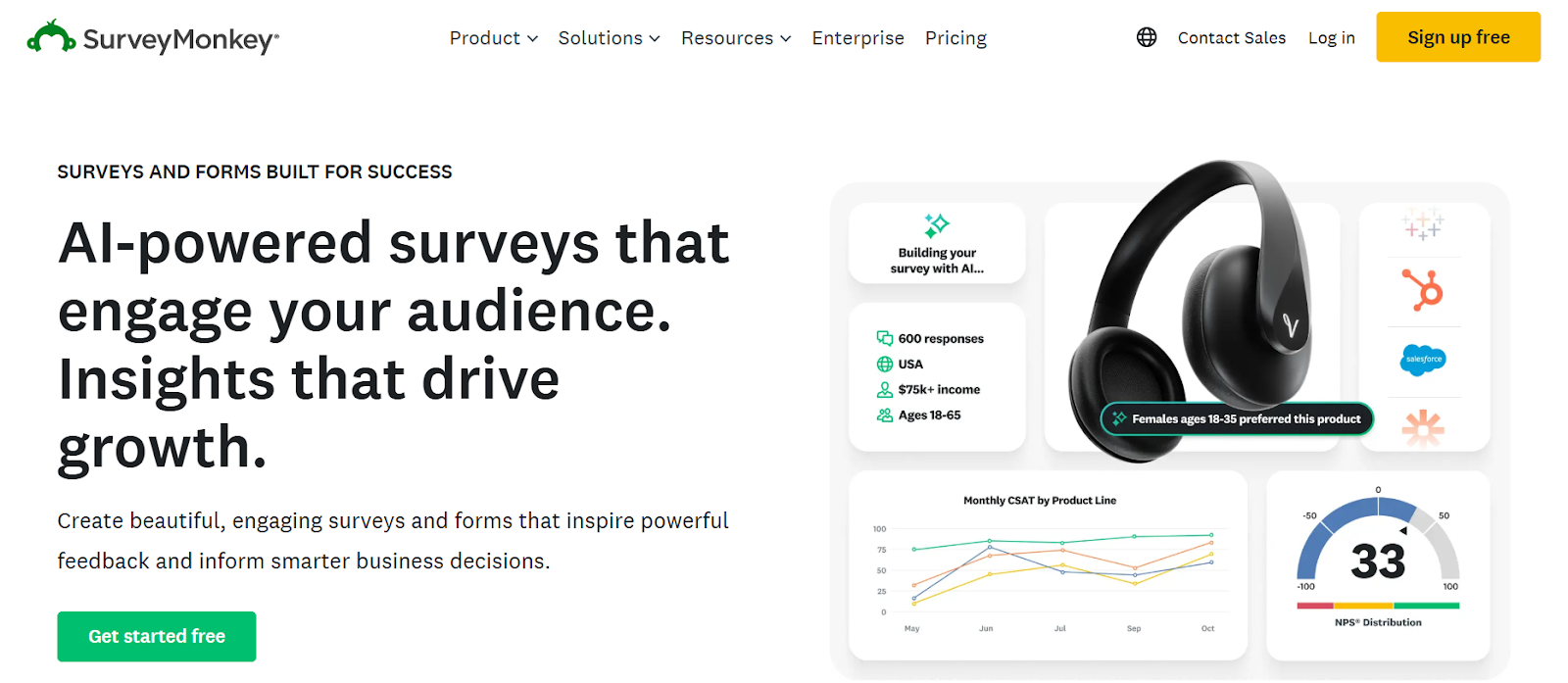 SurveyMonkey is a well-known survey platform that helps SaaS teams create questionnaires, polls, and feedback forms with templates, logic, and exportable analytics.
Key Features/Advantages:
Pricing:
Pros:
-
- Very familiar interface
- Robust analytics
- Scalable for large teams
Cons:
-
- Additional cost for high response volumes
2. Zoho
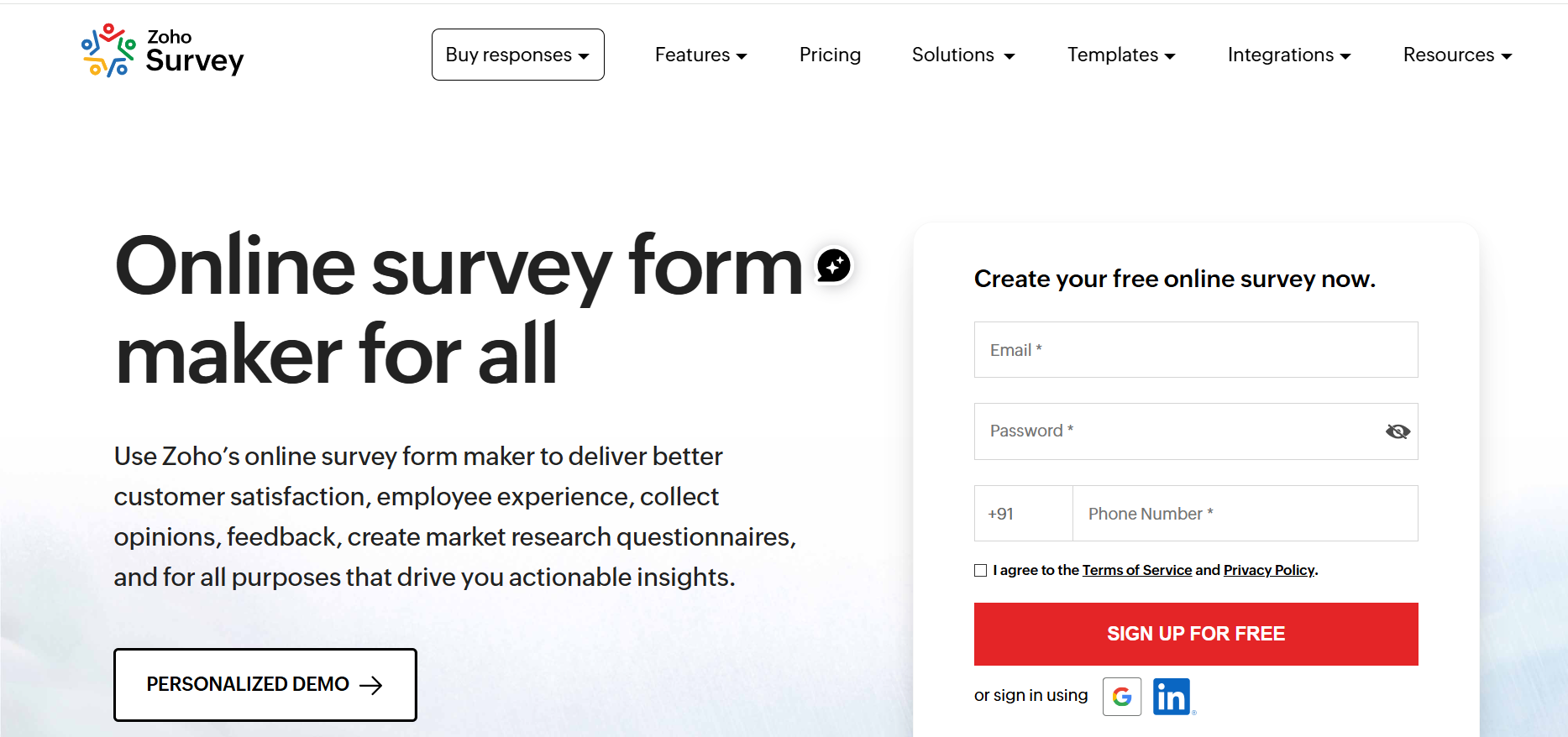 For creating surveys and gathering client feedback, Zoho is an easy-to-use and dependable tool. In addition to providing simple sharing, reporting, and integration with Zoho apps, it assists companies in conducting CSAT, NPS, product feedback, and experience surveys.
Key Features/Advantages:
-
- Provides pre-made CSAT, NPS, and product feedback templates with a variety of question formats.
- Enables logic-based surveys (branching and skip) to improve user flow.
- Shares easily via email, links, QR codes, or website embeds
- Offers Zoho CRM integration, multilingual support, and real-time reports.
- Enables advanced features and personalised branding on paid plans.
Pricing:
-
- Free plan for basic surveys
- Paid plans start at approx. $19/month
- Higher plans offer white-labeling, advanced logic, and deeper integrations
Pros:
-
- Easy to use
- Affordable for startups/SMB
- Good reporting
- Strong Zoho integrations
- Supports many feedback types
Cons:
-
- Advanced features require a paid tier
- Not ideal for a large-scale enterprise feedback program
3. Qualtrics
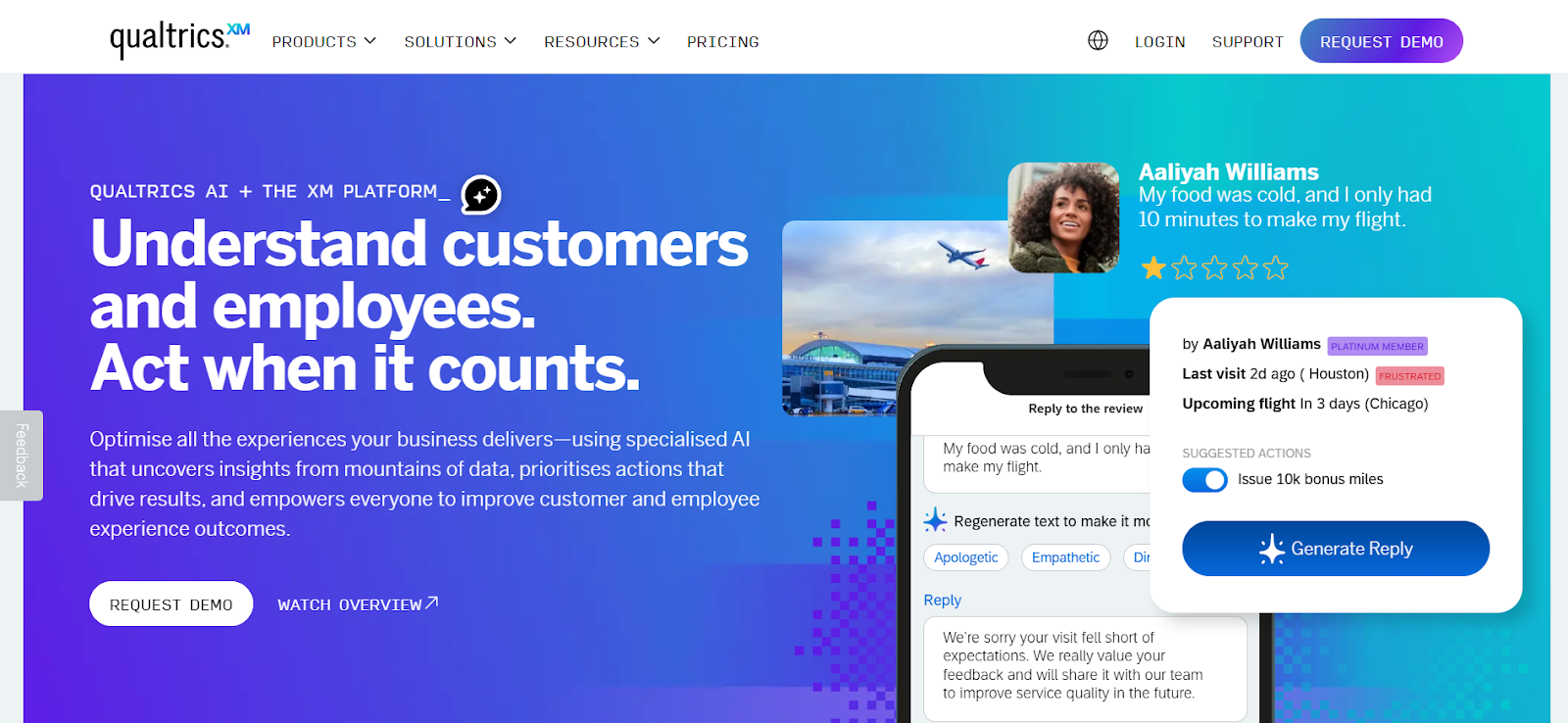 Qualtrics is an enterprise-level feedback and experience management platform that helps businesses capture customer insights across every touchpoint.
Key Features/Advantages:
-
- Advanced survey builder with logic, branching, and 100+ question types
- Real-time dashboards, text analytics, and sentiment analysis
- Multi-channel distribution: email, SMS, web intercepts, apps, kiosks
- Automated workflows for follow-ups and escalation
- Customer journey mapping and detailed analytics
- Integrations with CRM, support platforms, and enterprise tools
Pricing:
-
- Typically enterprise-level and custom-quoted
Pros:
-
- Powerful analytics and sentiment insights
- Strong automation and workflow capabilities
- Suitable for large businesses needing end-to-end CX programs
- Robust integrations and security controls
Cons:
-
- Complex interface compared to simpler survey tools
- Requires time and training to use advanced features
4. Typeform
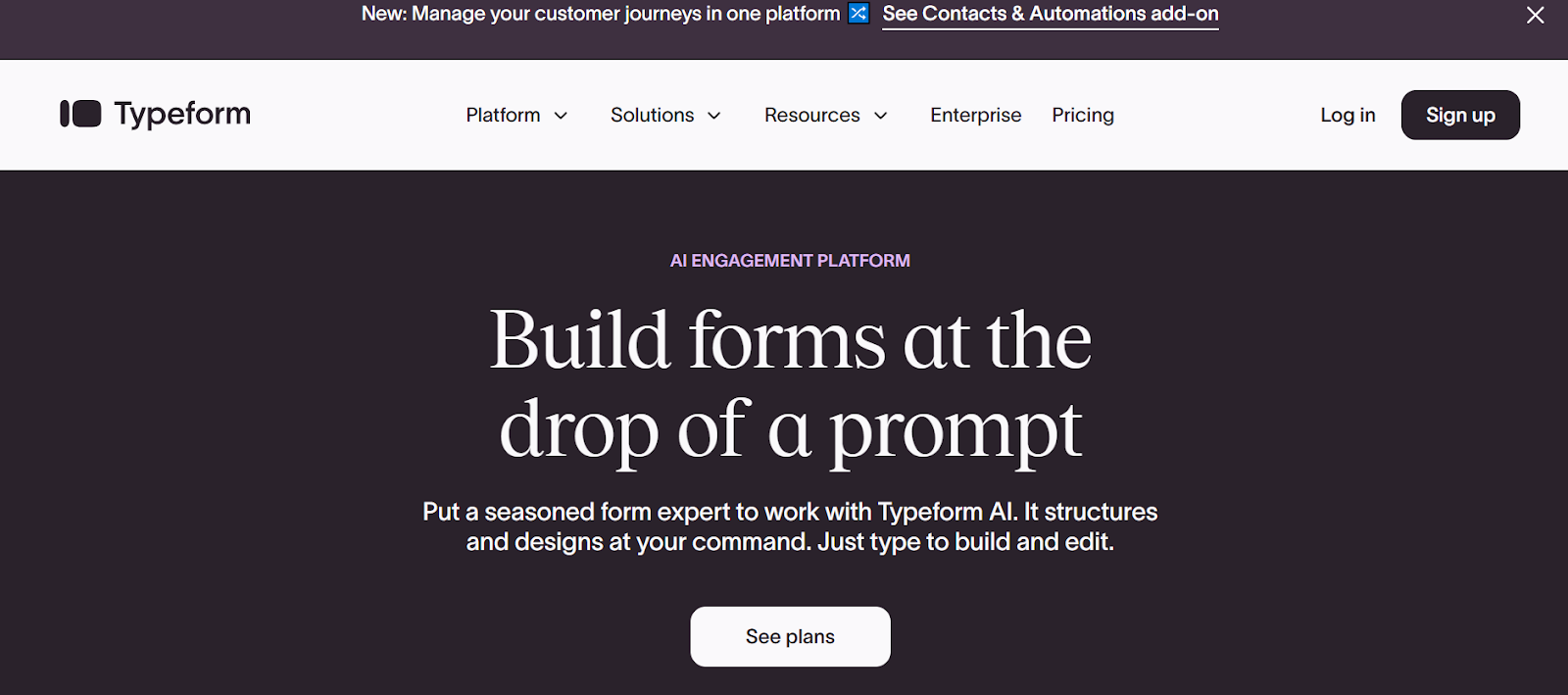 Typeform is an interactive form builder that creates conversational surveys, giving SaaS teams a way to collect feedback that feels personal and engaging.
Key Features/Advantages:
Pricing:
Pros:
-
- Highly engaging, user-friendly forms
- Brandable and interactive
- Great for qualitative feedback
5. Jotform
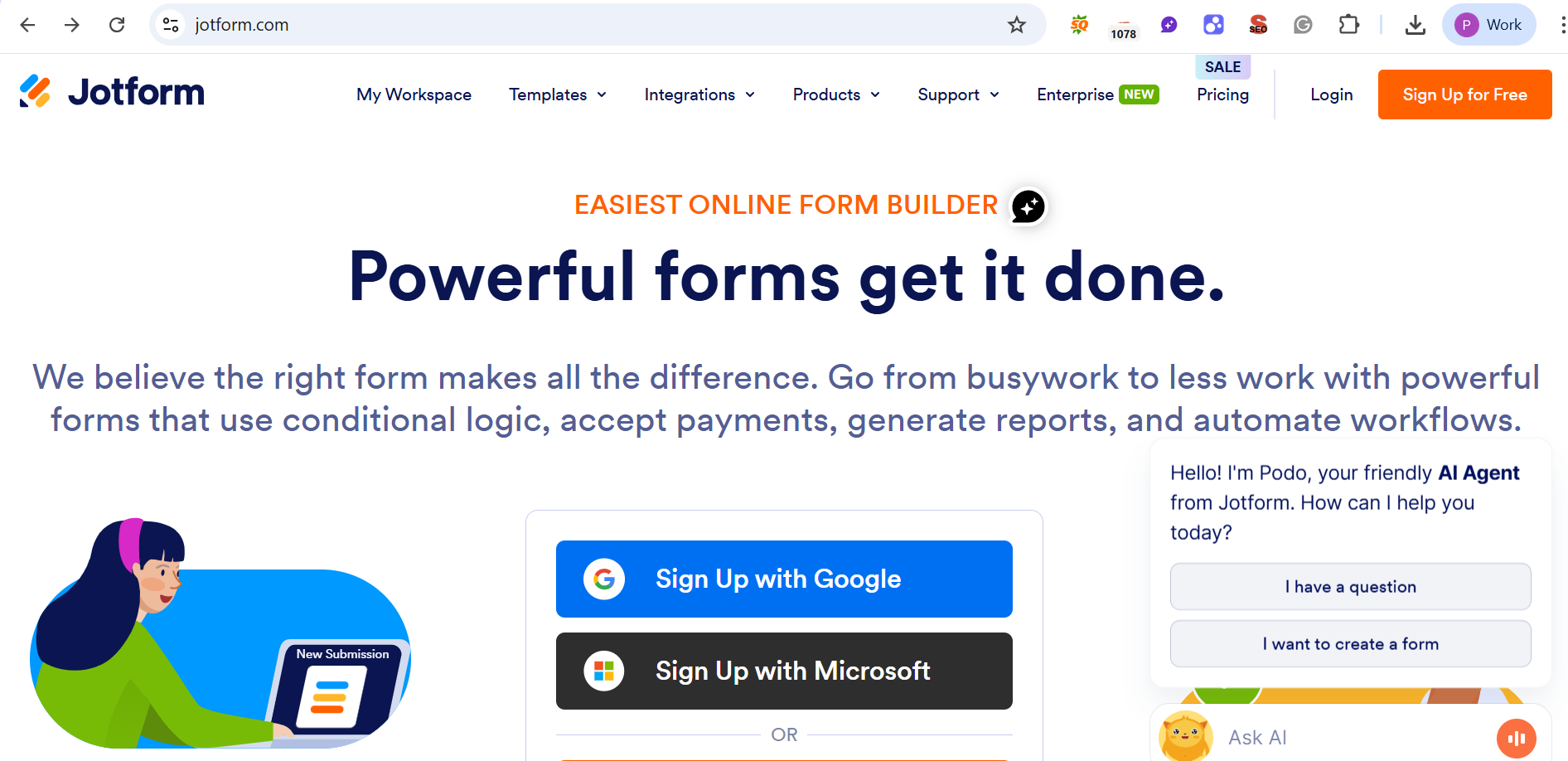 Jotform’s feedback tool helps businesses collect quick customer insights using customizable feedback buttons, popup forms, surveys, and embedded widgets.
Key Features/Advantages:
-
- Allows teams to create clean
- Drag-and-drop form builder with 10,000+ templates
- Integrations with Google Sheets, Slack, HubSpot, Mailchimp, and more
- Gather responses in real time.
- Makes feedback collection smooth for websites.
- Multi-user team collaboration options.
Pricing:
-
- Free Plan: Limited submissions, basic features
- Bronze Plan: Approx. $34/month
- Silver Plan: Approx. $39/month
- Gold Plan: Approx. $99/month
- Enterprise: Custom pricing.
Pros:
-
- Very easy to use, even for non-technical users
- A huge template library speeds up form creation.
- Strong integrations with popular business apps
- Flexible form display options (popup, modal, floating button)
Cons:
-
- Submission limits can feel restrictive as usage grows.
- Customization depth is limited compared to specialized survey platforms
- Pricing increases quickly for teams needing enterprise-level control
How Emvigo Technologies Can Help
At Emvigo, we understand the power of customer feedback solutions for SaaS growth. Whether you’re just starting or scaling up, feedback tools like those listed above can be integrated into your roadmap development, product strategy, and team workflows. Through our product development services, we help SaaS teams:
-
- Embed in-app survey systems (e.g., Qualaroo or Usersnap)
- Build a feedback loop where customer input leads to actionable tasks
- Automate feedback workflows, helping you close the loop without manual overhead
Also, check out our blog posts on the importance of early customer feedback — they go hand in hand with selecting the right feedback collection tool
Choosing the Right Feedback Tool: Tips
-
- Match the tool to your feedback goal: If you need lightweight in-app feedback, Qualaroo or Usersnap may do better. For deep surveys, SurveyMonkey or Typeform work nicely.
Consider budget vs volume: Free plans are useful for pilot testing, but as you scale, paid plans or custom pricing (like Zonka) may be more cost-effective. - Plan for automation: Tools like Zonka let you automate responses and follow-ups, which helps with scale and closing the feedback loop.
- Integrate feedback into your roadmap: Use feedback data to guide product decisions — this is something Emvigo recommends when building MVPs or planning new features.
- Review periodically: Set a cadence (weekly or monthly) to review feedback, tag themes, and convert them into action.
- Match the tool to your feedback goal: If you need lightweight in-app feedback, Qualaroo or Usersnap may do better. For deep surveys, SurveyMonkey or Typeform work nicely.
Conclusion
In a SaaS world where user experience and customer-centricity define winners, having the right customer feedback solutions is not optional. The five tools above—SurveyMonkey, Usersnap, Qualaroo, Typeform, and Zonka Feedback—offer different strengths, depending on your stage, scale, and feedback strategy.
By picking a combination (or a single tool) that aligns with your needs, you can capture rich, actionable insights that drive growth, improve retention, and help you build a truly user-focused product. And if you’re looking for expert help in designing and executing your feedback loop, Emvigo is ready to partner with you.