Developers today are living through a fascinating paradox. Never before had they had access to such powerful technology. Yet many teams still struggle with basic collaboration and deployment headaches. The explosion of some of the best developer tools has only amplified this challenge. Suddenly, everyone’s claiming their tool is “intelligent” and “game-changing.”
This isn’t another listicle that’ll bookmark-and-forget its way into digital oblivion. This is your strategic roadmap to the best developer tools. These tools are genuinely reshaping how developers work, think, and collaborate.
Let’s gear up for measurable impact on individual coding prowess and team dynamics. Because in 2025, the right tools don’t just make you faster—they make you unstoppable.
Why 2025 Is the Year Everything Changes for Developers
We’re witnessing the death of traditional development as we know it. AI coding assistants are now writing 40% of code at major tech companies. Deployment cycles that once took weeks now happen in minutes. Teams that couldn’t collaborate across continents are now building products faster than co-located teams ever could.
But what’s game-changing is the democratisation of enterprise-grade capabilities. Tools that were once exclusive to Silicon Valley giants are now accessible to any developer with ambition. AI that understands your codebase better than your junior developers. CI/CD pipelines that self-heal are now possible. Project management systems that predict delays before they happen exist.
The developers and teams who embrace these tools are working faster and operate in a completely different league. They’re shipping features while others are still planning them. They are solving problems that seemed impossible just months ago. This is not just keeping up with the competition but making it irrelevant.
But keep in mind that the window for adaptation is shrinking rapidly. Every day you delay adopting these essential developer tools is another day your competitors extend their lead.
The Ultimate Developer Arsenal: Essential Tools That Define Winners
Before diving deep into specific recommendations, here’s a comprehensive overview of the tool categories that form the backbone of modern development:
| Types of Tools | Description | Examples for Tools |
|---|---|---|
| AI Coding Assistants | Tools that leverage AI to assist with code generation, completion, debugging, and review, significantly boosting developer productivity. | GitHub Copilot, Cursor AI, Tabnine |
| Integrated Development Environments (IDEs) & Code Editors | Comprehensive software suites and lightweight editors providing a unified environment for coding, debugging, and deployment. | VS Code, IntelliJ IDEA, Sublime Text |
| Version Control Systems (VCS) & Hosting | Systems for tracking changes in source code and managing collaborative development among multiple contributors. | Git, GitHub, GitLab, Bitbucket |
| Project Management & Collaboration | Software to organise tasks, track progress, manage sprints, and facilitate communication within development teams. | Jira, Trello, Asana, Monday.com |
| CI/CD Tools | Platforms for automating the stages of continuous integration, delivery, and deployment, ensuring faster and more reliable releases. | Jenkins, GitHub Actions, CircleCI, GitLab CI/CD |
| API Development & Testing | Tools designed to streamline the creation, testing, documentation, and management of Application Programming Interfaces. | Postman, Insomnia, Swagger UI |
| Containerisation & Orchestration | Technologies for packaging applications and their dependencies into portable containers and managing their deployment and scaling. | Docker, Kubernetes |
The Game-Changing Tools That Are Reshaping Development Forever
GitHub Copilot: The AI Coding Revolution That’s Leaving Developers Behind
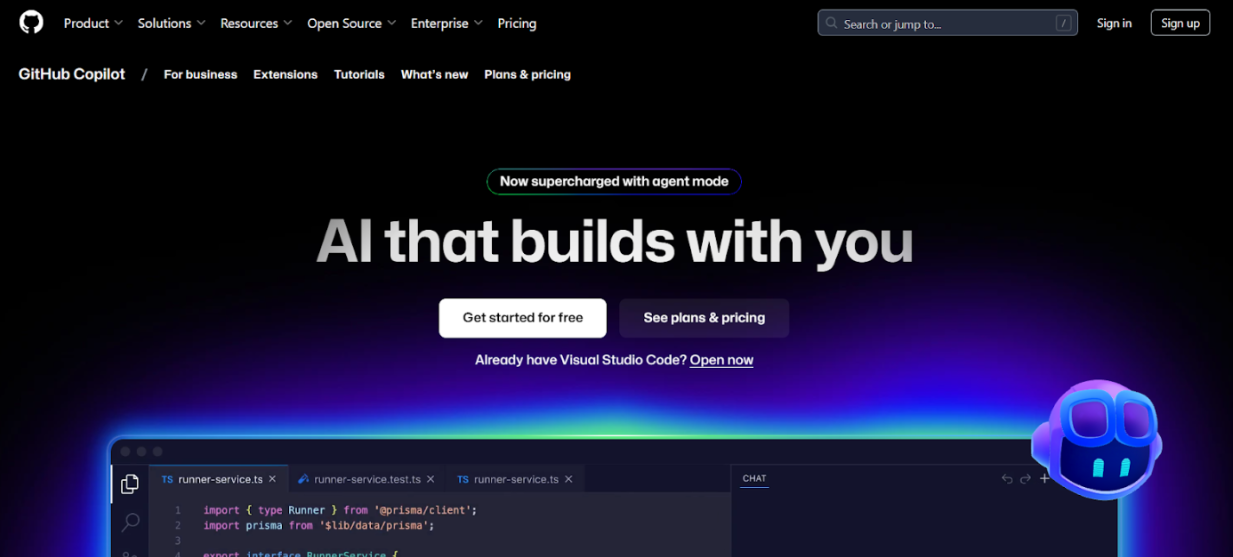
Forget everything you think you know about coding productivity. GitHub Copilot isn’t just another coding assistant. It’s the seismic shift that’s making traditional developers obsolete. You could still be manually typing functions. But Copilot users are generating entire modules from natural language comments. They code faster and are thinking at a completely different level.
Developers using Copilot are completing tasks 55% faster than their peers. They’re exploring coding patterns they never would have considered. They’re writing in languages they barely know with confidence that would take years to develop naturally. The AI revolution in coding is widening the gap between the adapters and the resisters every single day.
Pricing:
-
- Individual: £8 per month
- Business: £15 per user per month
- Enterprise: £35 per user per month
Key Features & USPs:
-
- Multi-language support covering Python, JavaScript, TypeScript, Ruby, Go, and more
- Context-aware suggestions that consider your entire codebase
- Real-time code generation from natural language descriptions
- Easier integration with popular IDEs and editors
- Continuous learning from your coding patterns
When It’s Best to Use / Use Cases:
-
- Rapid prototyping and proof-of-concept development
- Learning new programming languages or frameworks
- Generating boilerplate code and repetitive functions
- Exploring alternative solutions to complex problems
- Enhancing productivity during routine coding tasks
Pros and Cons:
Pros
-
- Dramatically increases coding speed and efficiency
- Excellent learning tool for new languages and patterns
- Reduces context switching and research time
- Continuously improving through machine learning
Cons:
-
- Requires careful review of generated code for accuracy
- Can potentially introduce security vulnerabilities if not monitored
- Subscription cost may be prohibitive for individual developers
- Occasional suggestions may not align with project-specific requirements
VS Code: The Editor That Conquered the World (And Why It’s Still Winning)
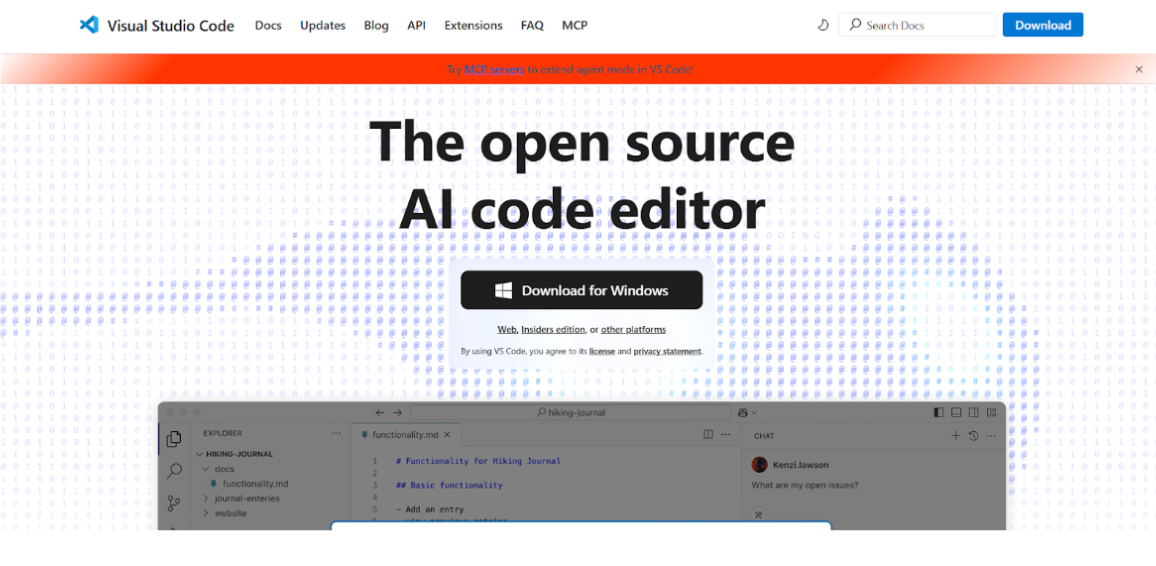
There’s a reason why VS Code has become the undisputed champion of code editors. It is crushing competitors and winning over developers who swore they’d never switch. It’s not just free but also strategically superior. Microsoft didn’t just create an editor. They architected the future of how developers interact with code.
It accounts for over 70% market share among professional developers. Every extension, every integration, every new feature is designed with VS Code in mind. Using anything else would be considered career-limiting. This best code editor has become the foundation upon which modern development workflows are built.
Pricing:
-
- Completely free and open-source
- Enterprise support available through Visual Studio subscriptions
Key Features & USPs:
-
- Extensive extension marketplace with over 40,000 add-ons
- Integrated terminal and debugging capabilities
- Built-in Git integration and source control
- IntelliSense for intelligent code completion
- Live Share for real-time collaborative coding
- Customisable themes and workspace layouts
When It’s Best to Use / Use Cases:
-
- Cross-platform development projects
- Web development with modern frameworks
- Python, JavaScript, and TypeScript development
- Remote development through SSH or containers
- Collaborative coding sessions with distributed teams
Pros and Cons:
Pros:
-
- Completely free with professional-grade features
- Excellent performance and startup speed
- Massive extension ecosystem
- Regular updates and active community support
- Seamless integration with cloud services
Cons:
-
- Can become resource-intensive with multiple extensions
- Initial setup requires time to configure optimal workflow
- Some advanced features require additional extensions
- Learning curve for maximising productivity features
GitHub: The Platform That Owns Your Career (Whether You Realise It or Not)
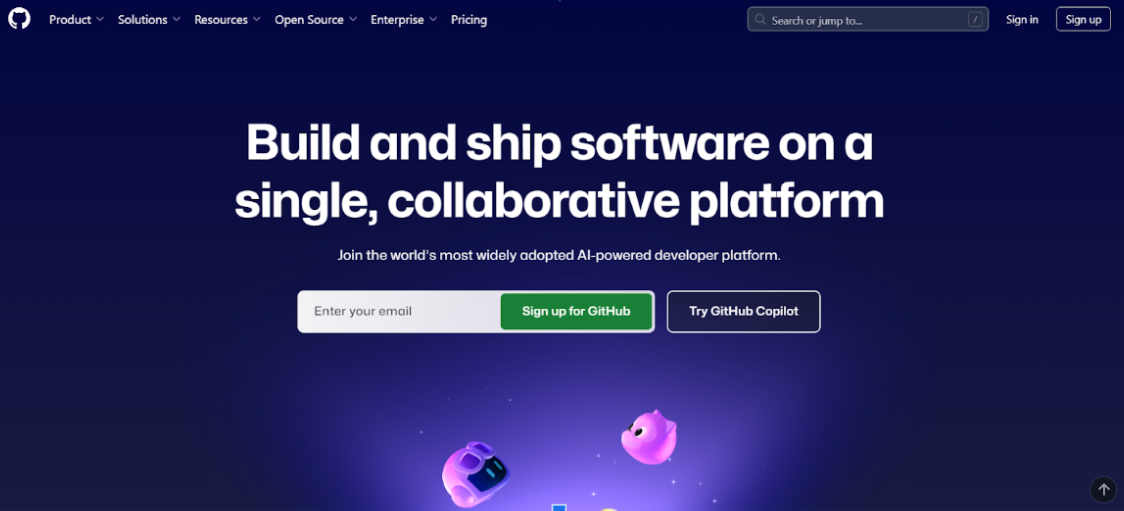
If you’re not mastering GitHub, you’re not mastering modern development! Do not assume that it’s just an aversion control system. It’s your professional reputation, collaboration lifeline, and deployment powerhouse all rolled into one. GitHub has become so integral to software development that “not on GitHub” is almost synonymous with “doesn’t exist.”
What separates the GitHub masters from the GitHub users is understanding that it’s not just about storing code. It’s about building a reputation, automating workflows, and creating systems that scale.
Pricing:
-
- Free tier for public repositories and small teams
- GitHub Pro: £3 per user per month
- GitHub Team: £3.25 per user per month
- GitHub Enterprise: £17.50 per user per month
Key Features & USPs:
-
- Comprehensive Git hosting with unlimited repositories
- Advanced code review and pull request workflows
- GitHub Actions for CI/CD automation
- Integrated project management with Issues and Projects
- Security features including vulnerability scanning
- GitHub Copilot integration for AI-assisted coding
When It’s Best to Use / Use Cases:
-
- Open-source project hosting and collaboration
- Enterprise software development with distributed teams
- Automated deployment and continuous integration
- Code portfolio showcase for developers
- Large-scale project management and tracking
Pros and Cons:
Pros:
-
- Industry-standard platform with massive community
- Excellent integration with development tools
- Robust security and compliance features
- Comprehensive project management capabilities
- Strong free tier for individual developers
Cons:
-
- Can be overwhelming for new users
- Enterprise features require significant investment
- Limited customisation options for workflows
- Dependency on internet connectivity for full functionality
Jira Software: How Top Teams Turn Chaos Into Competitive Advantage
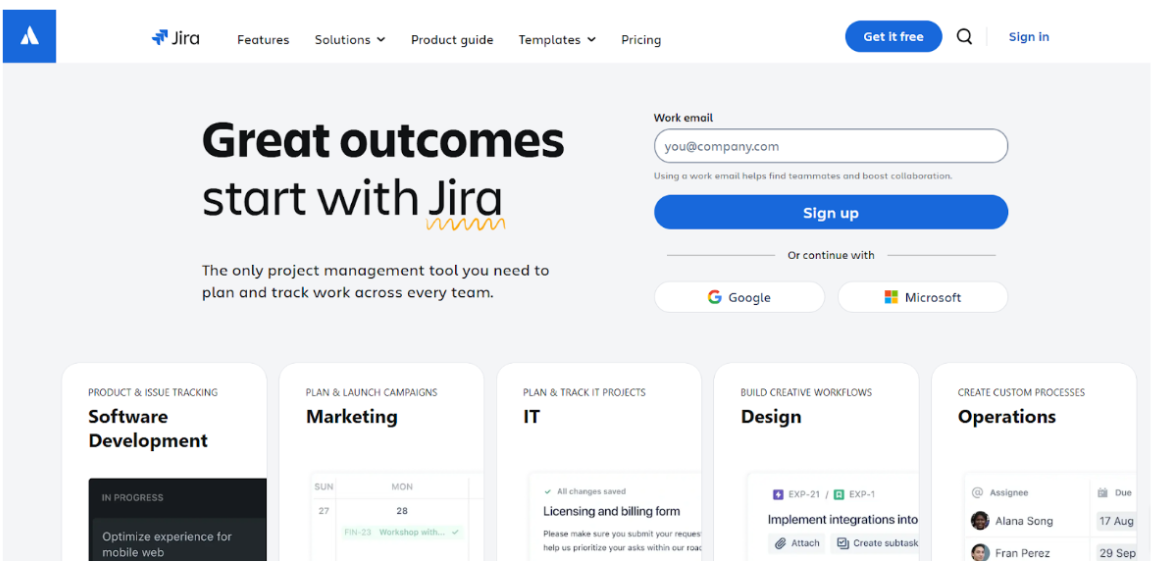
The uncomfortable truth about project management is that most are drowning in their own processes. They’re spending more time managing work than doing work. But elite development teams? They’ve discovered that Jira is a strategic weapon rather than just a project management tool. Jira helps turn complexity into clarity and chaos into competitive advantage.
The difference is actually in the mindset. Average teams use Jira to track what’s broken. But top-performing teams use it to predict what will break. They prevent bottlenecks before they happen. This helps create transparency that transforms how stakeholders perceive their capabilities. This project management tool for software development doesn’t just organise work but optimises it.
Pricing:
-
- Free tier for up to 10 users
- Standard: £6 per user per month
- Premium: £11.50 per user per month
- Enterprise: Custom pricing
Key Features & USPs:
-
- Advanced sprint planning and backlog management
- Customisable workflows and issue types
- Comprehensive reporting and analytics
- Integration with development tools and CI/CD pipelines
- Real-time collaboration and commenting
- Mobile apps for on-the-go project management
When It’s Best to Use / Use Cases:
-
- Agile software development teams
- Complex projects requiring detailed tracking
- Enterprise environments with multiple stakeholders
- Teams needing advanced reporting and analytics
- Integration with existing Atlassian toolchain
Pros and Cons:
Pros:
-
- Highly customisable to fit any workflow
- Excellent integration ecosystem
- Comprehensive reporting and analytics
- Strong mobile application support
- Scalable from small teams to enterprise
Cons:
-
- Steep learning curve for new users
- Can become overly complex for simple projects
- Performance issues with large datasets
- Expensive for larger teams
GitHub Actions: The CI/CD Revolution That’s Making Traditional DevOps Obsolete
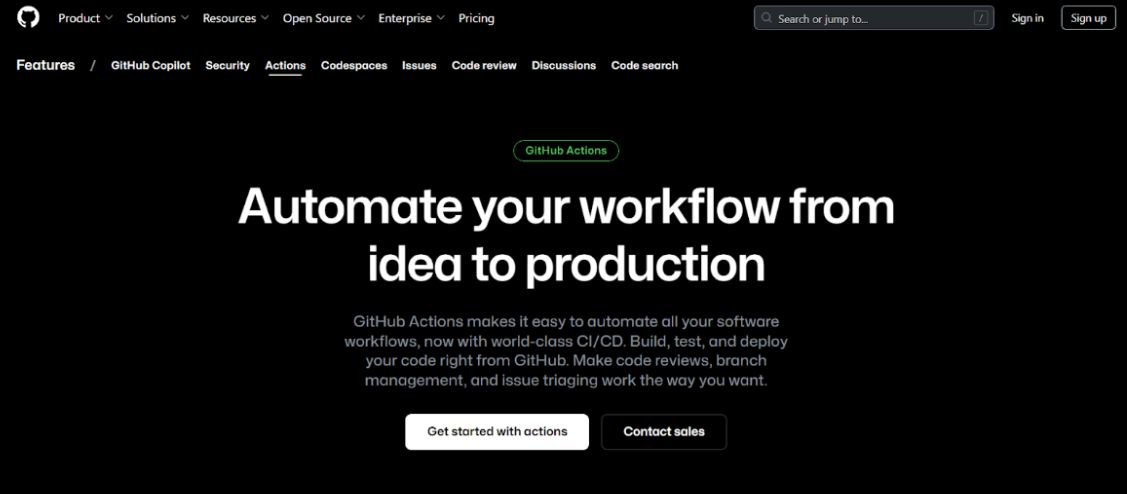
Stop setting up complex CI/CD infrastructure. Stop managing separate deployment pipelines. Stop pretending that traditional DevOps tools aren’t holding you back. GitHub Actions makes enterprise-grade automation accessible to every developer. Best part is that it is not confined to those with dedicated DevOps teams.
What once required weeks of configuration and ongoing maintenance now happens automatically within your existing GitHub workflow. Teams using GitHub Actions are deploying much faster than they used to. They’re thinking differently about how software gets built, tested, and shipped. This CI/CD tool integration represents the future of development automation, and that future is now.
Pricing:
-
- 2,000 free minutes per month for public repositories
- Pay-as-you-go: £0.008 per minute for Linux runners
- GitHub Pro includes 3,000 minutes per month
- Self-hosted runners available for enterprise needs
Key Features & USPs:
-
- Native integration with GitHub repositories
- Extensive marketplace with pre-built actions
- Matrix builds for testing across multiple environments
- Secrets management for secure deployments
- Real-time workflow monitoring and debugging
- Support for custom Docker containers
When It’s Best to Use / Use Cases:
-
- Projects already hosted on GitHub
- Teams seeking integrated CI/CD solutions
- Automated testing across multiple platforms
- Containerised application deployment
- Open-source projects requiring free CI/CD
Pros and Cons:
Pros:
-
- Smooth integration with GitHub ecosystem
- Generous free tier for public repositories
- Extensive action marketplace
- No additional infrastructure to manage
- Pay-per-use pricing model
Cons:
-
- Limited to GitHub-hosted projects
- Can become expensive for large-scale usage
- Learning curve for YAML workflow syntax
- Performance limitations compared to dedicated CI/CD platforms
Postman: The API Development Platform That Turned Testing Into a Superpower
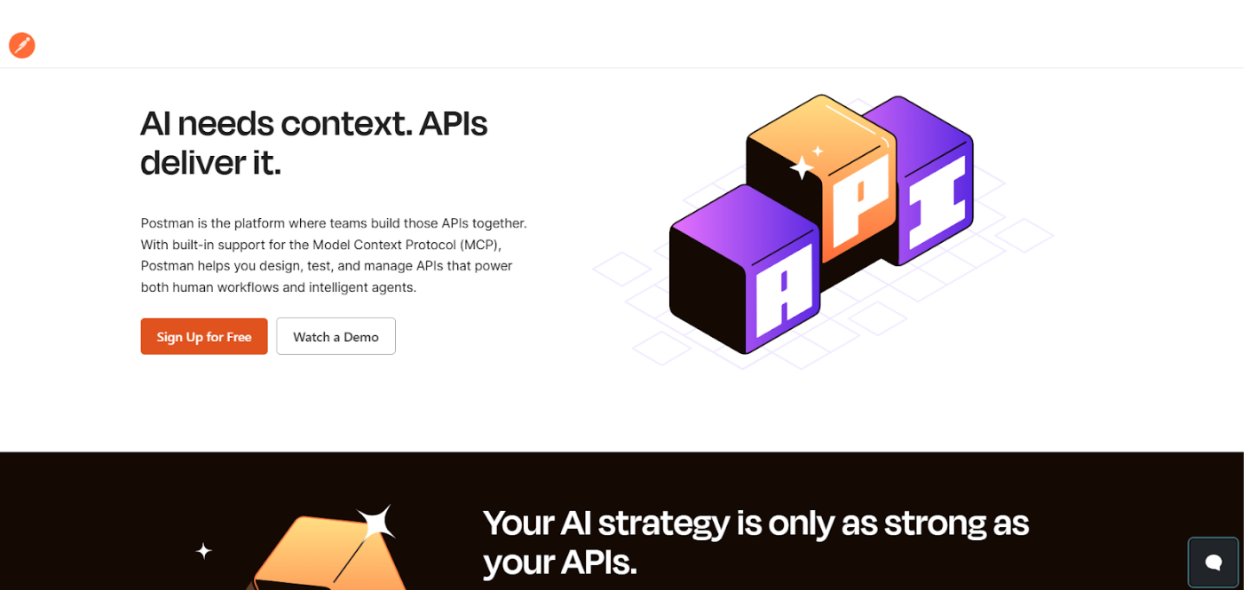
In the API-first world we now inhabit, Postman is like a command centre for your entire API ecosystem. Other developers are still manually crafting curl commands and hoping their APIs work. Postman masters are building automated testing suites and generating documentation that actually helps. They are creating mock servers that accelerate development cycles.
The transformation made teams that once dreaded API integration now approach it with confidence. Rather than just testing APIs, they’re designing better APIs and documenting them effortlessly. They are also creating testing workflows that catch issues before they become problems.
Pricing:
-
- Free tier with basic features
- Basic: £9 per user per month
- Professional: £22 per user per month
- Enterprise: Custom pricing
Key Features & USPs:
-
- Intuitive API request building and testing
- Automated testing with JavaScript-based scripts
- Comprehensive API documentation generation
- Team collaboration and workspace sharing
- Mock server creation for API development
- Performance and security testing capabilities
When It’s Best to Use / Use Cases:
-
- RESTful API development and testing
- Microservices architecture validation
- API documentation and client onboarding
- Performance testing and monitoring
- Team collaboration on API projects
Pros and Cons:
Pros:
-
- User-friendly interface for complex API testing
- Excellent collaboration features
- Comprehensive testing and automation capabilities
- Strong documentation generation
- Active community and extensive learning resources
Cons:
-
- Can become expensive for larger teams
- Performance issues with very large collections
- Learning curve for advanced scripting features
- Limited customisation options for enterprise workflows
Docker: The Containerisation Technology That Solved Development’s Biggest Nightmare
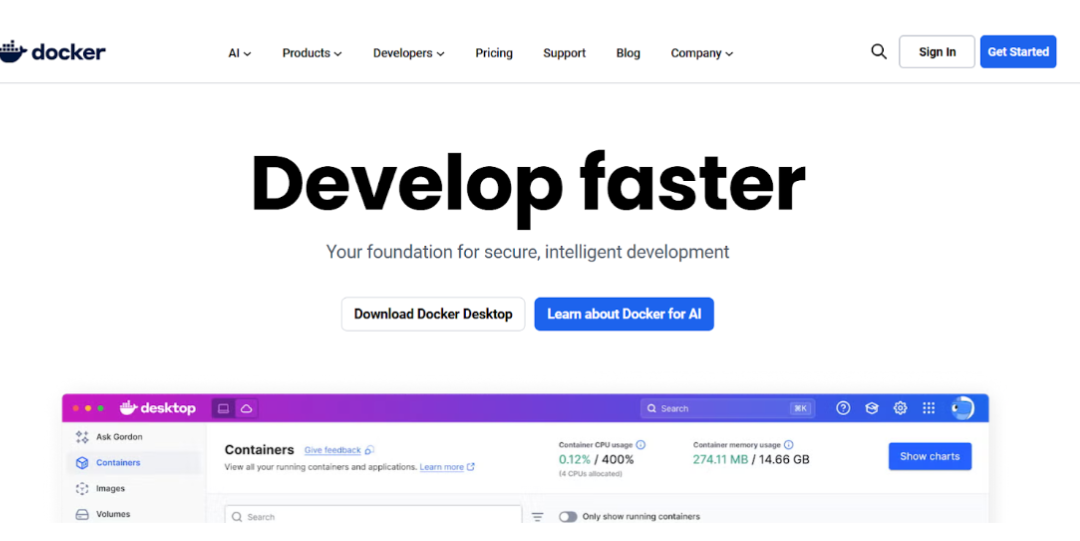
Remember the days when “it works on my machine” was the most feared phrase in software development? Docker didn’t just solve that problem but eradicated it. But here’s what most developers miss. Docker isn’t just about consistent environments. It’s about thinking differently about how applications are built, deployed, and scaled.
The developers who truly understand Docker aren’t just containerising applications. They design systems that scale effortlessly, deploy instantly, and adapt to changing requirements. They’ve moved beyond traditional deployment models to embrace a world where infrastructure is code, environments are disposable, and scaling is automatic.
Pricing:
-
- Docker Desktop: Free for personal use
- Docker Pro: £4 per user per month
- Docker Team: £6 per user per month
- Docker Business: £17 per user per month
Key Features & USPs:
-
- Lightweight containerisation technology
- Consistent environments across development and production
- Extensive registry with pre-built images
- Integration with orchestration platforms
- Development workflow acceleration
- Multi-platform support
When It’s Best to Use / Use Cases:
-
- Microservices architecture development
- Consistent development environment setup
- Application deployment and scaling
- Legacy application modernisation
- DevOps pipeline optimisation
Pros and Cons:
Pros:
-
- Eliminates environment-related deployment issues
- Lightweight compared to virtual machines
- Extensive ecosystem and community support
- Excellent documentation and learning resources
- Seamless integration with cloud platforms
Cons:
-
- Learning curve for containerisation concepts
- Additional complexity for simple applications
- Resource overhead for small applications
- Security considerations require careful management
When Off-the-Shelf Just Doesn’t Cut It
Do you find that off-the-shelf tools never quite fit your team’s unique workflow? Is it leaving you constantly working around limitations instead of through them? Wish to have custom tools that speak your organisation’s language?
We specialise in crafting bespoke AI tools, giving your team the superpowers they need to innovate faster and ship better code. Book a project discovery session with us to build something unique. We’ll turn your frustrations into your finest assets.
The Secret Weapon: Why Top Developers Focus on the Human Element
Here’s the plot twist that separates the truly elite developers from the tool collectors. The most powerful technology in your arsenal isn’t in your IDE or your deployment pipeline. It’s in your ability to think strategically, communicate clearly, and adapt rapidly to changing requirements.
The developers who are winning definitely use the best developer tools. But most importantly, they’re using them more intelligently. They understand that developer experience is not always about productivity alone. The biggest contribution is creating an environment where innovation flourishes naturally. It is also important to keep in mind that tools amplify talent. But they can’t replace human efforts and intelligence.
The Moment of Truth: Your Development Future Starts Now
Every manual process you cling to is another barrier to the breakthrough you’re capable of achieving. Having access to these tools isn’t enough. Implementation is everything. The difference between transformation and stagnation lies not in knowing what to do. It is in knowing how to do it strategically, efficiently, and with maximum impact on your bottom line.
AI coding assistants are already writing millions of lines of code daily. Automated deployment pipelines are shipping features when competitors are still planning them. The pain points you’re experiencing are symptoms of a deeper problem.
This is precisely where Emvigo transforms the game entirely. We don’t just help you adopt these tools. We architect your entire development ecosystem for exponential growth. Our tested frameworks have helped organisations slash development cycles by 60%, reduce deployment risks by 80%, and accelerate time-to-market.
The opportunity window is narrowing fast. Ready to stop playing catch-up and start setting the pace? Connect with Emvigo today for a strategic consultation.
What Every Developer Needs to Know: Essential FAQ
Q: What are the best developer tools for individual productivity?
For individual developers, the most impactful tools include VS Code for coding, GitHub Copilot for AI assistance, and Docker for consistent environments. These tools dramatically increase personal productivity by reducing context switching and automating routine tasks.
Q: How do I choose the best developer tools for my team?
Consider your team size, project complexity, existing technology stack, and budget. Start with essential categories like version control (GitHub), project management (Jira), and CI/CD (GitHub Actions), then expand based on specific needs. Team input and gradual adoption often yield better results than wholesale changes.
Q: Are free developer tools good enough for professional use?
Many free tools like VS Code, Git, and Docker’s community edition are professionally viable and widely used in enterprise environments. However, paid versions often provide enhanced support, advanced features, and better integration capabilities that can justify their cost for professional teams.
Q: How important is AI in modern developer tools?
AI is becoming increasingly essential, particularly for code generation, testing, and debugging. Tools like GitHub Copilot can increase coding speed by 30-50% whilst reducing errors. As AI capabilities expand, developers who leverage these tools will have significant competitive advantages.
Q: What are CI/CD tools and why are they essential?
CI/CD (Continuous Integration/Continuous Deployment) tools automate the building, testing, and deployment of code changes. They’re essential because they reduce manual errors, increase deployment frequency, and improve software quality. Modern development teams rely on CI/CD for reliable, rapid releases.
Looking to implement these tools effectively in your organisation? Learn more about our development services and how we can help modernise your development workflow.