Last month, I spoke with a Manchester-based founder who’d spent eight months “looking for the right developer”. Unfortunately, her competitors launched three iterations of similar products. When I asked why she hadn’t explored MVP tools, she looked puzzled. “Aren’t those just for simple apps?” Absolutely not.
Waiting for technical co-founders or saving up £50,000 for a development agency is a gamble. Meanwhile, tools to build MVP solutions have evolved so dramatically that non-technical founders are now launching products in weeks, not months.
But not all MVP tools are created equal, and choosing the wrong one can burn through your runway faster than hiring the wrong developer. This guide walks you through the MVP toolkit that actually works for serious products. Let’s look at when to use what, and crucially, when tools alone aren’t enough.
What Are MVP Tools and Why Do They Matter for Non-Technical Founders?
MVP tools are platforms and software that let you build, test, and launch minimum viable products without coding expertise. These tools give non-technical founders the ability to validate ideas quickly and affordably.
They’re not magic wands that turn vague ideas into unicorns overnight. Instead, they’re powerful engines that convert your vision into a working prototype that real users can actually interact with.
Why does this matter specifically for non-technical founders?
The old way of doing things is outdated. You used to sketch wireframes, find developers, and explain your vision many times. Then, you would wait months for version 1.0. According to CB Insights, 42% of startups fail because there’s no market need for their product. You know what accelerates that statistic? Spending six months building something nobody wants because you couldn’t test it quickly enough.
MVP tools fundamentally shift the equation. They let you:
-
- Validate your product idea with real users in days, not months
- Iterate based on feedback without massive development costs
- Prove market demand before committing serious capital
- Build credibility with investors by showing traction, not just slides
The modern MVP tools ecosystem spans everything from no-code website builders to sophisticated app development platforms. Some handle the visual design, others manage databases and user authentication. Others help you collect and analyse user feedback. The key is understanding which tools fit your specific product vision.
What Are the Best MVP Tools for UI/UX and Prototyping?
Your MVP’s user interface is the handshake that determines whether users trust you enough to continue. Rubbish design doesn’t just look unprofessional. It actively prevents users from understanding your value proposition.
The good news? Modern design MVP tools have democratised professional UI/UX in ways that seemed impossible five years ago.
Best MVP UI/UX & Prototyping Tools – Quick Overview
| Tool | Best Used For | Strength | When to Use It in Your MVP |
| Balsamiq | Low-fidelity wireframes | Speed and clarity | Early concept validation and information architecture |
| Figma | UI design & interactive prototypes | Collaboration and design systems | Designing the full MVP experience before development |
| Marvel | Prototype testing with users | Usability validation | Testing whether users can complete key tasks |
| Sketch | High-fidelity UI design | Mature design tooling | Mac-only teams with existing Sketch workflows |
| Adobe XD | UI/UX design & prototyping | Adobe ecosystem integration | Teams are already invested in Adobe tools |
Figma: The Complete Design System
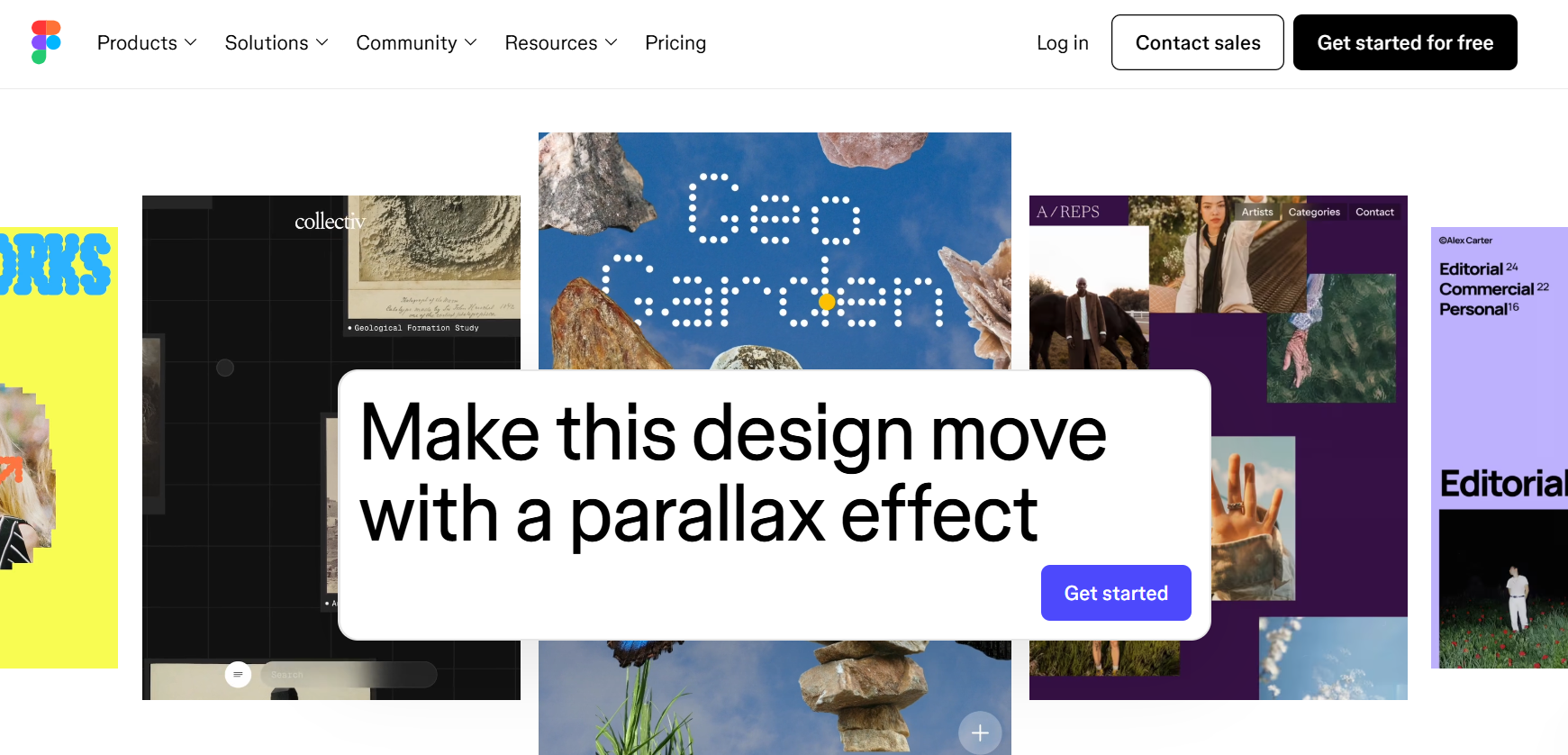
Figma isn’t just a design tool; it’s become the industry standard MVP tool for creating entire product experiences. What makes it essential for non-technical founders?
-
- Component libraries: Build a button once, reuse it everywhere. When you decide all buttons should be blue instead of green, you change it once, and it updates across your entire design. This consistency is what separates amateur MVPs from professional ones.
- Collaborative design: Your designer (or you), your developer, and your co-founder can all work in the same file at the same time. Comments, suggestions, and iterations happen in real-time.
- Interactive prototypes: Click through your entire user journey before writing a single line of code. Test navigation flows, validate user paths, and spot confusing elements early.
- Developer handoff: When you’re ready to build, Figma generates exact specifications (spacing, colours, fonts) that developers or no-code platforms can implement precisely.
For MVP for non-technical founders, Figma’s free tier is remarkably generous. Most early-stage products fit comfortably within the free plan’s limits.
Balsamiq: When Speed Trumps Polish
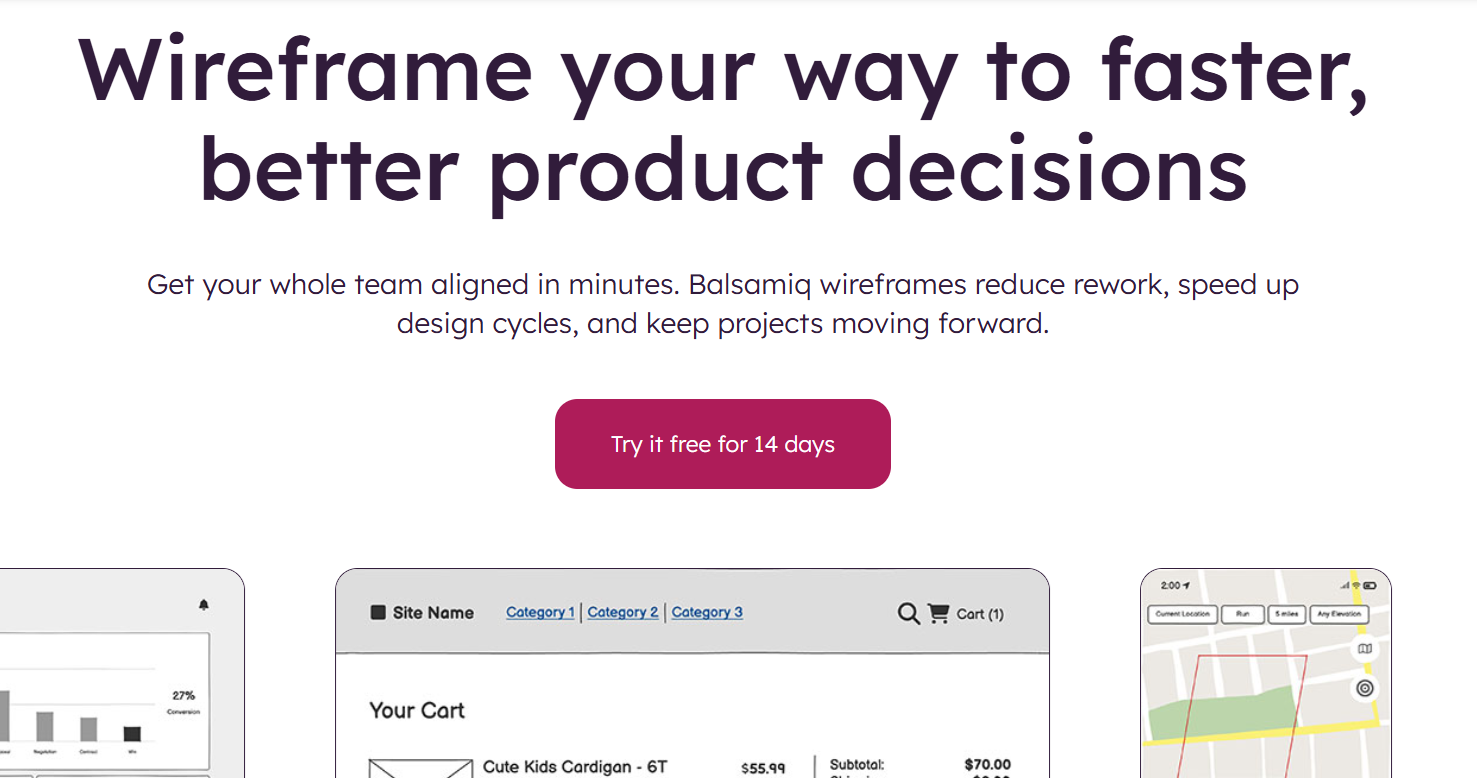
Sometimes you don’t need pixel-perfect mockups. You need to validate whether users understand your core concept. Balsamiq creates intentionally rough wireframes that keep conversations focused on functionality.
Use Balsamiq when you’re testing fundamental assumptions: Does this three-step checkout make sense? Will users understand this navigation? Should this feature be prominent or buried?
The deliberately sketchy aesthetic prevents stakeholders from getting distracted by colour choices when you’re actually trying to validate information architecture.
Marvel: Prototyping Meets User Testing
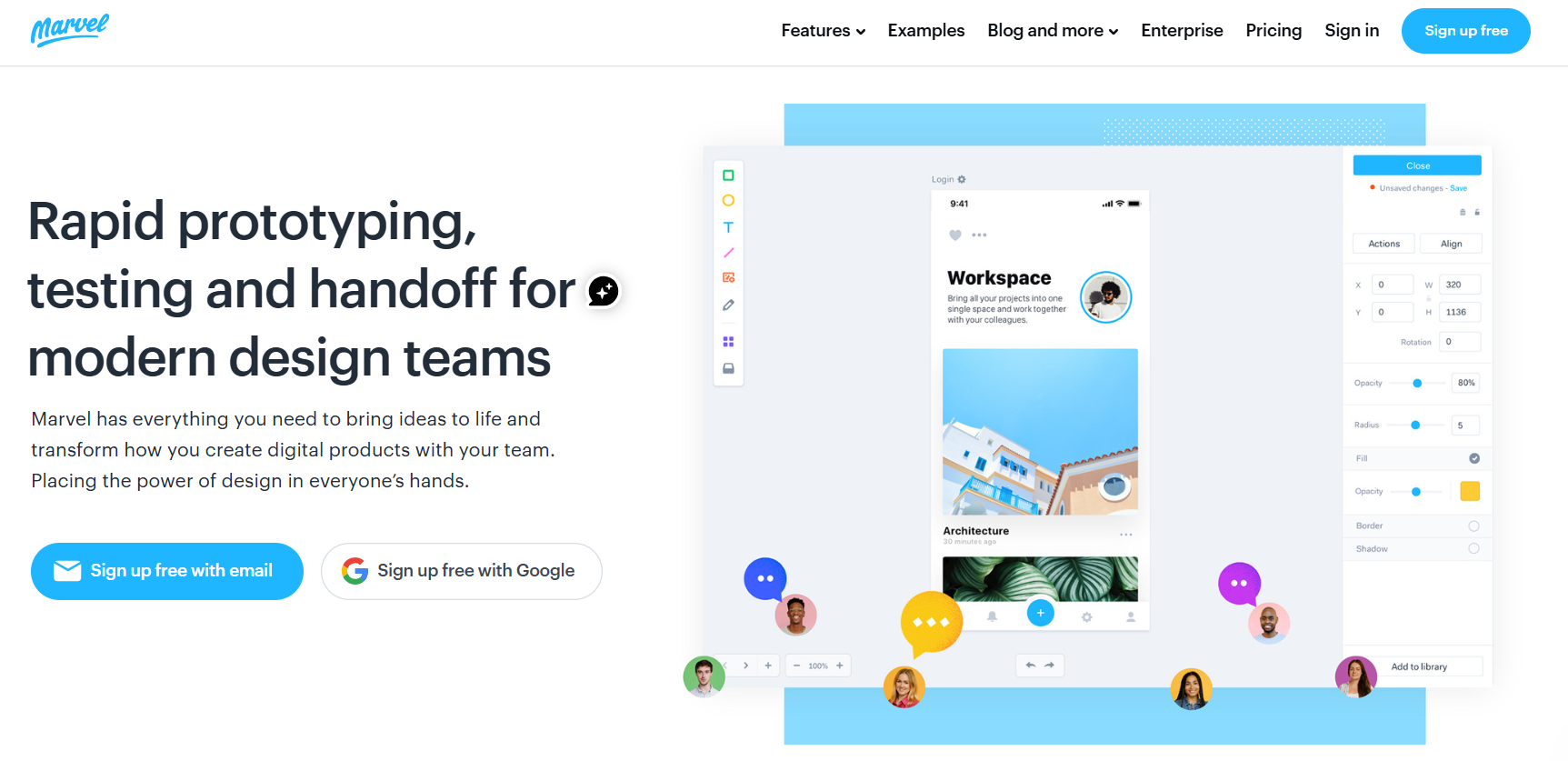
Marvel bridges design and validation. You can create interactive prototypes, then send them to users for testing while Marvel records their interactions, comments, and confusion points.
This MVP tool shines during the “does this make sense?” phase. Before investing weeks in development, spend two days in Marvel testing whether users can complete key tasks in your prototype.
Sketch and Adobe XD: The Alternatives
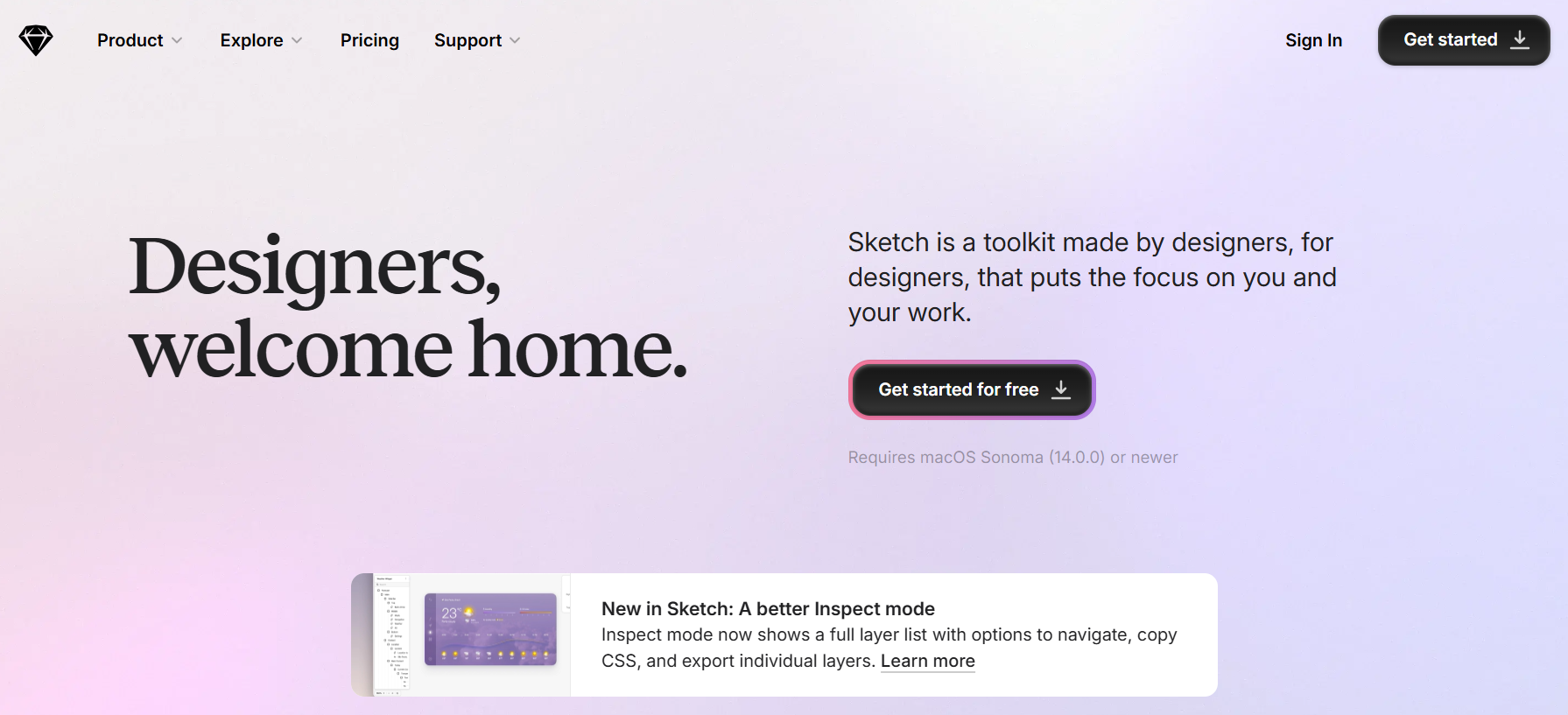
Sketch dominated for years, but lost ground to Figma’s collaboration features. It’s still powerful but Mac-only, which limits team flexibility.
Adobe XD offers tight integration with other Adobe products. If you’re already in the Adobe ecosystem, XD provides seamless workflows, though it hasn’t matched Figma’s community and plugin ecosystem.
The Design Tool Stack for Serious MVPs
Most successful founders use this combination:
- Balsamiq for initial wireframes and concept validation (1-2 days)
- Figma for detailed UI design and interactive prototypes (1-2 weeks)
- Marvel for user testing before development (3-5 days)
This progression moves from rough concepts to polished designs while validating assumptions at each stage. You’re not guessing what users want. You’re testing it with increasingly realistic MVP prototype tools for startups.
The design phase isn’t wasted time before “real” building. It’s where you catch expensive mistakes when they cost nothing to fix. Change a user flow in Figma: five minutes. Change the same flow after it’s built in code, potentially days and thousands in developer costs.
Curious if your MVP idea can scale beyond these tools? Emvigo’s MVP Readiness Assessment maps your product requirements to the right tool stack or identifies when custom development makes more strategic sense.
What MVP Tools Help You Launch and Test Quickly With Users?
Building fast is pointless if you can’t test faster. The entire philosophy behind MVP tools centres on rapid validation. Get something in front of users quickly, learn what works, iterate, repeat. These tools to build MVP solutions compress what used to take months into weeks.
Launch-Ready MVP Tools
Webflow
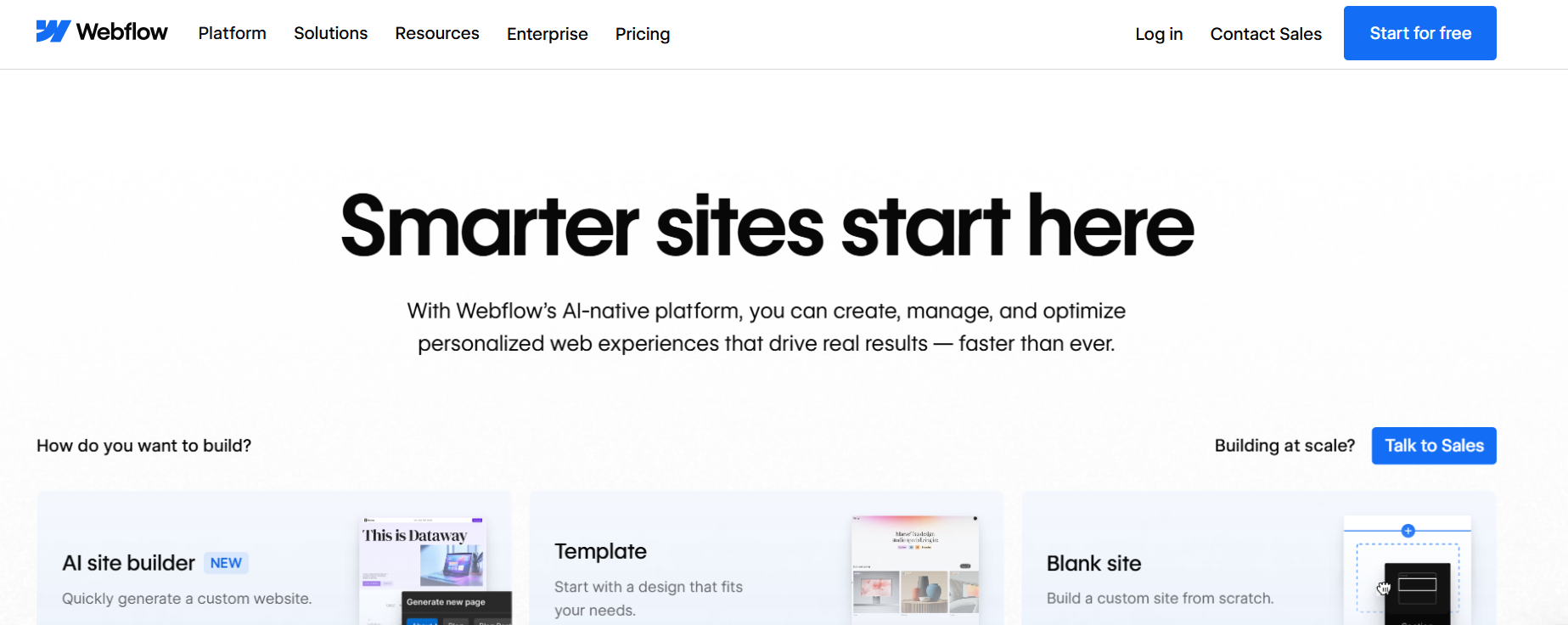
Webflow gets you from design to live website faster than almost any platform. You’re designing and building simultaneously; there’s no “throw designs over the wall to developers” phase. For content-driven products, marketing sites, or portfolio platforms, you can launch in 7-10 days.
Built-in CMS means you or your team can update content without touching the design. Built-in hosting means you’re not cobbling together multiple services. Built-in SEO tools mean you’re findable from day one.
Bubble
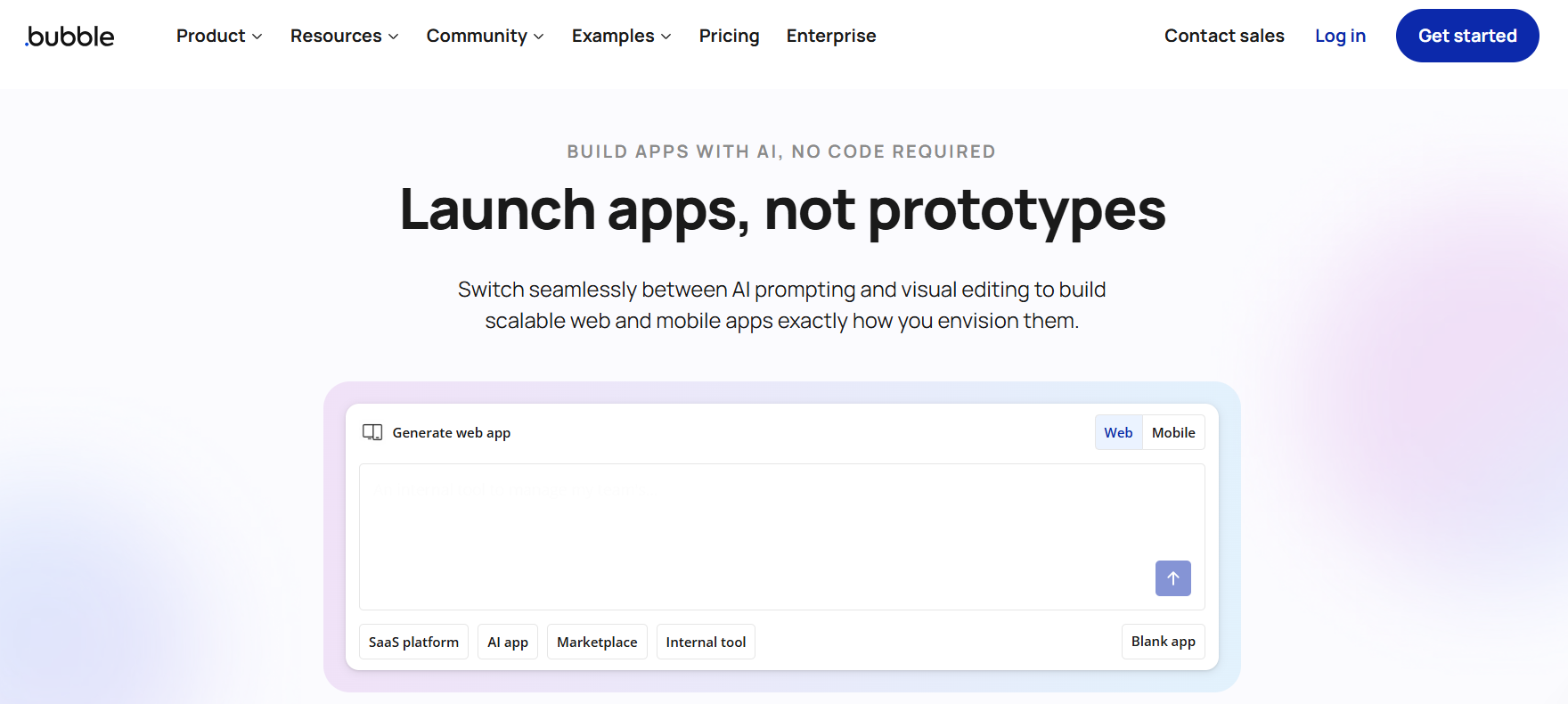
Bubble handles more complex products but still delivers remarkable speed for non-technical founders. Yes, there’s a learning curve, but the Bubble Academy and community support are exceptional. Founders with zero technical background have built and launched marketplace platforms in 4-6 weeks.
The key advantage is that changes happen in real-time. When users request a feature, you can often build and deploy it the same day. That responsiveness builds user loyalty and accelerates product-market fit.
User Testing and Feedback MVP Tools
Launching is step one. Understanding whether you’ve solved the problem is step two. These MVP tools close that loop:
Typeform
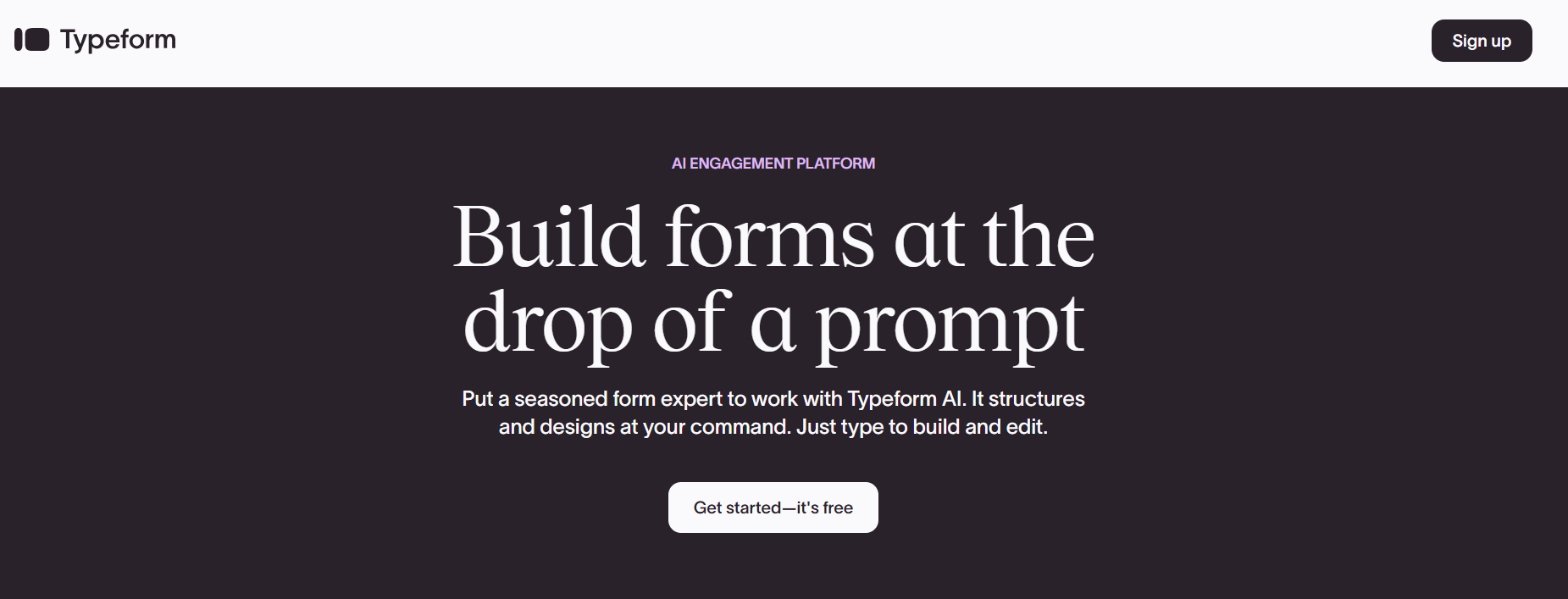
Typeform creates surveys that people actually enjoy completing. Your completion rates will be 40-60% higher than traditional form builders. Use it for:
-
- Pre-launch validation surveys (“Would you pay £X for a product that does Y?”)
- Onboarding flows that gather user context while feeling conversational
- Feature prioritisation surveys (“Rank these potential features”)
- Customer satisfaction tracking at key milestones
Hotjar
Hotjar reveals what users actually do versus what they say they’ll do. Watch session recordings of real users navigating your MVP. You’ll spot:
-
- Features users completely ignore
- Confusing navigation that causes frustration
- Unexpected paths to conversion
- Breaking points where users abandon your product
Heatmaps show where users click, how far they scroll, and what captures attention. This objective data often contradicts your assumptions in valuable ways.
Google Analytics 4
GA4 answers the “how many” and “from where” questions. How many users visited? How many completed the key action? Which acquisition channels deliver the most engaged users? Where do most users drop off in your conversion funnel?
GA4’s predictive analytics can even identify users likely to convert or churn, helping you focus retention efforts strategically.
The Testing Methodology That Works
Here’s how smart founders use these MVP tools together:
-
- Week 1: Launch your MVP with Webflow or Bubble. Install Hotjar and GA4 on day one, not later.
- Week 2: Watch what users actually do through Hotjar recordings. Don’t interpret, just observe.
- Week 3: Send a Typeform survey to users who’ve spent significant time in your product. Ask specific questions about observed behaviour: “We noticed many users click X but then leave—what were you expecting to happen?”
- Week 4: Analyse GA4 data for patterns. Which features correlate with retention? What acquisition sources deliver users who actually stick around?
- Ongoing: Repeat this cycle every 2-3 weeks. Small, continuous improvements compound into significant product evolution.
The founders who succeed with MVP tools for non-technical founders treat launching as the beginning of learning, not the end of building. Your first version will be wrong in important ways. These tools help you discover what to fix first.
Not sure if tools alone are enough for your product complexity? Emvigo’s MVP Strategy Session maps your validation requirements to the optimal tool stack or identifies when hybrid approaches deliver better results.
How Do No-Code Platforms Compare as MVP Tools for Serious Products?
No-code platforms are powerful MVP tools for serious products up to a point. They excel at validation and early traction but may require migration to custom code as you scale. This depends on your product’s complexity and performance needs.
Can you really build a “serious” product with no-code MVP tools? The answer isn’t a simple yes or no; it’s “it depends on what you mean by serious.”
What No-Code MVP Tools Do Brilliantly
-
- Speed to market: You can launch a functional MVP in 2-4 weeks instead of 3-6 months. For bootstrapped founders, this timeline difference is often the difference between success and running out of runway.
- Cost efficiency: Building with MVP tools costs £200-500 monthly in subscriptions versus £20,000-50,000 for a custom-coded MVP. That’s not just a saving, it’s validation you can afford to do multiple times.
- Iteration flexibility: When early users tell you feature X is pointless, but feature Y is essential, you can pivot in days. With traditional development, that same pivot might cost thousands in developer hours.
- Real-world validation: These tools to build MVP solutions create actual products that real users interact with. You’re not testing a clickable prototype, you’re testing genuine product-market fit.
Where No-Code Platforms Show Their Limits
-
- Performance at scale: Most no-code MVP platforms handle 1,000-10,000 users comfortably. Beyond that, you’ll likely notice speed issues. If your product goes viral, you might need custom infrastructure faster than planned.
- Complex logic: Platforms like Bubble do support sophisticated workflows. But they’re not ideal for products requiring heavy computational processing, complex algorithms, or real-time data manipulation at scale.
- Customisation ceiling: Every MVP tool has guardrails. You can’t access the underlying code, so truly unique functionality might be impossible to implement.
- Integration constraints: While modern MVP tools offer extensive integration options, niche or proprietary systems might not play nicely with no-code platforms.
The Hybrid Approach That Works
Smart non-technical founders treat no-code MVP tools as validation engines, not permanent homes. Here’s the typical journey:
Phase 1 (Months 1-3)
Build and launch with no-code MVP tools. Focus entirely on proving people want what you’re building.
Phase 2 (Months 4-12)
Scale on the platform while collecting user feedback and technical requirements. Some products stay here indefinitely, and that’s perfectly fine if the platform meets your needs.
Phase 3 (Year 2+)
Migrate to custom development only if platform limitations actively hurt growth. Many successful companies run on no-code infrastructure far longer than expected.
No-Code vs Custom Development Decision Matrix
| Product Type | User Volume | Complexity Level | Recommended Approach | Timeline to Migration |
| Internal tools/dashboards | Low (<500 users) | Low | No-Code | No migration needed |
| MVP for idea validation | Low–Medium (500–5k) | Low–Medium | No-Code → Custom later | 3–6 months post-validation |
| B2B SaaS MVP | Medium (1k–10k) | Medium | Hybrid (No-Code front-end + Custom backend) | 6–12 months |
| Consumer-facing app | High (10k+) | Medium–High | Custom Development | Immediate |
| Platform/marketplace | High (10k–100k+) | High | Custom Development | Immediate |
| Regulated products (fintech, health) | Medium–High | High | Custom Development | Immediate |
| Workflow automation tools | Low–Medium | Low–Medium | No-Code | Optional, based on scale |
| Data-heavy or AI-driven products | Medium–High | High | Custom Development | Immediate |
Starting with MVP tools for non-technical founders doesn’t lock you into that path forever. It gives you the luxury of making expensive development decisions with real user data instead of hopeful assumptions.
Red Flags That Signal You Need Professional Help For MVP Development
- Performance degradation: If your app slows noticeably as your user base grows, and platform optimisations don’t help, you’ve hit infrastructure limits. Users won’t tolerate sluggish experiences.
- Feature impossibility: When users request functionality that’s simply not achievable within your MVP tool’s constraints, and workarounds feel hacky or unreliable, it’s migration time.
- Security and compliance requirements: Enterprise customers or regulated industries (finance, healthcare, education) often demand security standards, compliance certifications, and audit capabilities that no-code platforms can’t provide.
- Integration complexity: If your product needs to sync with multiple third-party systems, handle complex data transformations, or maintain real-time connections with enterprise software, custom development offers far more flexibility.
- Unit economics stop working: Platform subscription costs, transaction fees, and integration expenses can grow surprisingly quickly. Sometimes, custom infrastructure is actually more cost-effective at scale.
The Hybrid Path For MVP Development That Preserves Momentum
Here’s the strategy that minimises risk while maximising learning:
Phase 1: Validate with MVP tools. Prove people want what you’re building. Gather detailed user feedback. Identify your core value proposition.
Phase 2: Audit your platform limitations. What can’t you build? What’s getting slower? What integrations are failing?
Phase 3: Partner with some of the best MVP development companies for a gradual migration, not a complete rebuild. Keep the platform running while custom features roll out progressively.
Phase 4: Migrate users to the new platform in cohorts, preserving continuity and catching issues before they affect your entire user base.
The worst approach? Staying on MVP tools until they catastrophically fail, then scrambling for emergency development help. The second worst? Abandoning working MVP tools prematurely because you assume custom code is automatically “better.”
DIY MVP Tools vs Professional Development – Decision Framework
| Consideration | When DIY Tools Are Enough | When You Need Professional Services | Migration Timing |
| Goal of the MVP | Validating problem–solution fit | Preparing for scale or investor scrutiny | After validation milestones |
| Product Complexity | Simple workflows, linear logic | Complex business rules, integrations | 3–6 months |
| User Volume | Early users, pilot groups | Thousands of active users are expected | Before growth acceleration |
| Performance Requirements | Tolerant of minor latency | High performance and reliability are required | Before public launch |
| Security & Compliance | Low-risk data, internal use | Regulated data or enterprise security needs | Immediate |
| Customisation Needs | Standard components acceptable | Highly bespoke UX or workflows | Post-MVP traction |
| Integration Depth | Few or no external systems | Multiple APIs, legacy systems | Once integrations become core |
| Maintenance & Support | Founder-managed updates | Dedicated support and SLAs required | As customers rely on the product |
| Technical Debt Risk | Acceptable short-term trade-offs | Long-term architectural stability is required | Before Series A |
| Investor Expectations | Concept demos acceptable | Production-grade build required | Pre-fundraising |
Ready to validate your product fast while keeping future options open? Emvigo’s hybrid approach combines the speed of no-code validation with custom development capabilities when your product demands it, giving you the best of both worlds.
What Risks Should Non-Technical Founders Watch for With DIY MVP Tools?
Platform dependency, scalability constraints, technical debt accumulation, and security vulnerabilities are the primary risks non-technical founders face with DIY MVP tools. But all these are manageable with awareness and strategic planning.
Every MVP tool comes with trade-offs. Understanding these risks doesn’t mean avoiding tools to build MVP solutions. It means using them strategically with your eyes open. Let’s discuss the real pitfalls and how to navigate them.
Platform Dependency and Lock-In
The risk: When you build on any MVP tool, you’re dependent on that platform’s continued existence, pricing stability, and feature development. If Bubble suddenly 10x’s their pricing or Webflow discontinues a critical feature, you’re potentially stuck.
The reality check: This risk exists with all technology choices, including custom development (your developers might leave, frameworks get deprecated). Platform risk isn’t unique to no-code MVP platforms; it’s just more visible.
The mitigation:
-
- Export your data regularly. Most MVP tools allow data exports in standard formats.
- Document your workflows and business logic independently of the platform.
- Build relationships with technical advisors who could guide a migration if necessary.
- Accept that early-stage platform risk is an acceptable trade-off for speed and cost savings.
Scalability Constraints You Can’t See Coming
The risk: Your MVP works beautifully with 100 users. At 1,000 users, it’s noticeably slower. At 5,000 users, it’s frustratingly laggy. The MVP tools that enabled your initial success now limit your growth.
The reality check: This is actually a high-quality problem. Most MVPs never reach the user volumes where platform limitations meaningfully hurt. If you’re hitting scale constraints, congratulations, you’ve validated product-market fit.
The mitigation:
-
- Monitor performance metrics from day one using MVP tools like Google Analytics and Hotjar.
- Watch for degradation trends, not just current performance. If response times increase 10% each month, you’ll hit walls quickly.
- Plan migration conversations at 3,000-5,000 active users, not after systems are failing.
- Consider hybrid architectures where performance-critical features run on custom infrastructure, while the bulk of your product stays on platforms.
Technical Debt Accumulation
The risk: In the rush to ship quickly with MVP tools for non-technical founders, you make expedient choices that create maintenance headaches later. Workarounds pile up, integrations get fragile, and your product becomes increasingly difficult to modify.
The reality check: Technical debt is inevitable in all startups, platform-built or custom-coded. The question isn’t whether you’ll accumulate it but whether it’s strategic debt that bought you valuable time.
The mitigation:
-
- Document why you made specific architectural choices. Future you will appreciate the context.
- Dedicate time each month to “debt reduction”, fixing workarounds, improving workflows, and removing unused features.
- Don’t let perfect be the enemy of good. Ship the functional version, note what you’d improve, and schedule improvement when it matters.
- Recognise when debt becomes crippling, and migration becomes necessary.
Security and Compliance Vulnerabilities
The risk: No-code MVP tools handle much of your security infrastructure, but that doesn’t make you immune to vulnerabilities. Data breaches, unauthorised access, and compliance violations can devastate early-stage companies.
The reality check: Platform providers handle infrastructure security, which, for most non-technical founders, is actually better than DIY approaches. Where vulnerabilities emerge is in configuration, access management, and data handling.
The mitigation:
-
- Use platform security features properly. Enable two-factor authentication, configure proper user permissions, and encrypt sensitive data.
- Understand data residency requirements if you’re serving EU customers (GDPR), healthcare (HIPAA), or financial services.
- Conduct basic security audits quarterly. Many MVP tools offer security checklists or integrations with security scanning tools.
- Be transparent with users about your security practices. Hiding behind vague privacy policies damages trust.
The Hidden Risk: Premature Optimisation
Here’s the risk nobody talks about. Abandoning MVP tools too early because you’re worried about “real” scalability or technical credibility. Founders waste months rebuilding products that were working fine because they convinced themselves platforms weren’t “serious.”
You know what’s truly risky? Burning runway on perfect infrastructure before you’ve proven anyone wants what you’re building. The entire point of tools to build MVP solutions is validating demand quickly and affordably. Don’t sacrifice that advantage chasing hypothetical future problems.
Risk Management Checklist for Non-Technical Founders
Before choosing any MVP tool, answer these questions:
✅ Can I export my data in standard formats?
✅ Does this platform have a track record of stability (3+ years)?
✅ What’s the pricing trajectory as I scale?
✅ Can I integrate with the other tools my product requires?
✅ Does this platform meet my industry’s basic security requirements?
✅ What’s my migration path if this platform doesn’t work long-term?
If you can answer yes to most of these, you’ve chosen a reasonable MVP tool for your current stage. Perfect answers aren’t necessary; good enough answers are.
What Are the Most Asked Questions About MVP Tools for Non-Technical Founders?
Can non-technical founders build an MVP without code?
Yes, absolutely. Modern MVP tools like Bubble, Webflow, and Glide enable non-technical founders to build sophisticated products without coding. Successful marketplace platforms, SaaS tools, and booking systems have been built entirely on no-code platforms. Expect a 2-4 week learning curve before you’re productive with most no-code MVP platforms.
How long does it take to build an MVP with these tools?
Using tools to build MVP solutions, expect 3-8 weeks from concept to launch for most products. Simple landing pages or validation prototypes take 1-2 weeks. More complex products with databases, user authentication, and multiple features might need 6-8 weeks.
Are the best MVP tools free to use?
Many MVP tools offer generous free tiers perfect for validation. Figma, Balsamiq, and Google Analytics are free for most startup use cases. Bubble, Webflow, and Adalo offer free plans with limitations (branding, user limits, features). Budget £200-500 monthly for a complete MVP tool stack once you’re actively building and testing.
What happens to my MVP if the platform shuts down?
Platform shutdowns are rare amongst established MVP tools, but preparation matters. Regularly export your data (most platforms support CSV, JSON, or database exports). Document your workflows and business logic independently. Maintain relationships with technical advisors who could guide migration if necessary.
How do I know which MVP tools are right for my product idea?
Match MVP tools to your product type:
-
- Content-heavy products fit Webflow
- Complex web applications suit Bubble
- Mobile-first products work well with Adalo or Glide
- Prototype testing benefits from Figma and Marvel
Consider your technical comfort level, budget constraints, and timeline urgency. Most tools to build MVP solutions offer free trials. Test 2-3 platforms with small projects before committing.
Why Smart Non-Technical Founders Treat MVP Tools as Launchpads, Not Destinations
The startup landscape in 2026 rewards speed of learning over perfection of execution. You might get busy debating whether to use Bubble or hire a development agency. And that could be when your competitor is launching their third iteration based on real user feedback.
Treating tools to build MVP solutions as your only strategy is as limiting as ignoring them entirely. The smartest path forward combines the rapid validation capabilities of no-code MVP platforms with the strategic foresight to know when you’ve outgrown them.
In 2026 and beyond, MVP tools will become even more sophisticated, closing capability gaps that currently require custom development. But they’ll never replace strategic thinking, user empathy, and the founder’s vision that determines whether a product succeeds.
Want to move beyond guesswork? Emvigo’s MVP Tool-to-Tech Roadmap Service helps non-technical founders choose the right validation approach, build with confidence, and scale strategically. That means maximising platform capabilities or transitioning to custom development at exactly the right moment. Book a strategy session and get a personalised roadmap that matches your product vision to the optimal build approach.